Video Clipping for Creators: How to Turn Long Videos into a Weekly Shorts Engine
Learn what video clipping means for creators, how long videos can become a repeatable Shorts engine, and how to build a weekly publishing system without starting from scratch every day.
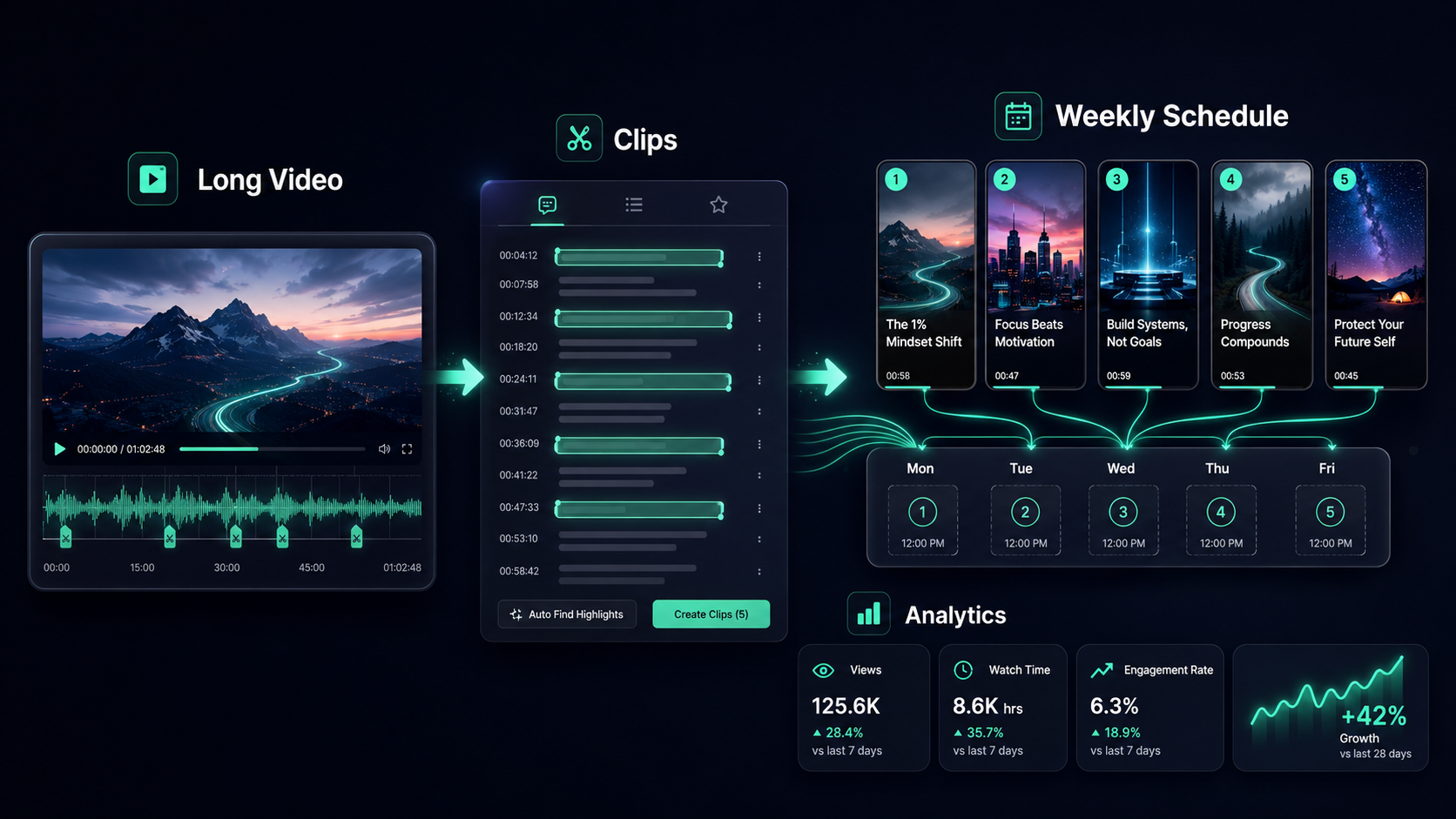
Turn one long video into a repeatable Shorts engine.
Start free with MintiStudio
What is video clipping?
Video clipping is the process of turning a long-form video into shorter, focused clips for platforms like YouTube Shorts, Instagram Reels, Facebook Reels, and TikTok.
For creators, this usually means taking one podcast episode, lesson, interview, webinar, coaching call, sermon, or YouTube video and finding the strongest short moments inside it.
A good clip is not just a random piece of the original video. It needs to stand on its own. It should have a clear idea, a strong opening, readable captions, and enough context for someone who has never seen the full video.
That is why video clipping is less about cutting video and more about building a repeatable content system.
Why creators are using clipping more seriously
Most creators do not have a shortage of ideas. They have a shortage of time.
A long video may take hours to plan, record, upload, and publish. But once that video exists, it often contains several short-form moments that can keep working for you across the week.
Video clipping helps because it turns one piece of effort into multiple distribution opportunities.
Instead of asking, “What should I post today?” every morning, you can start with a better question:
“What useful moments already exist inside the content I made?”
That shift matters. It makes short-form publishing feel less like a daily scramble and more like a system.
Long videos are bigger assets than most creators realize
A single long-form video can contain many different types of short clips:
- a strong opinion
- a practical tip
- a clear explanation
- a personal story
- a question and answer moment
- a mistake or lesson learned
- a surprising insight
- a direct answer to a common audience problem
Each of those can become its own Short if it makes sense without the full video.
This is especially useful for creators who already publish educational or trust-based content: coaches, educators, consultants, podcasters, psychologists, course creators, and niche experts.
Their best content is often already inside long videos. The missing piece is a workflow for finding it, packaging it, and publishing it consistently.
The goal is not more clips. The goal is better distribution.
It is easy to think the point of clipping is volume. More clips, more posts, more chances.
But volume alone is not the real advantage.
The real advantage is distribution with consistency. Short-form clips help your long-form ideas reach people who may never click a 30-minute video first.
A Short can introduce one idea quickly. If it works, it can lead people back to your channel, your longer content, your offer, or simply your point of view.
That is why the best clipping workflow should care about both quality and rhythm.
You want clips that are:
- useful enough to stand alone
- clear enough to understand quickly
- visually easy to watch
- published on a steady schedule
- tracked so you can learn what worked
How many Shorts can one long video become?
There is no perfect number. A 20-minute video may produce two good Shorts. A one-hour podcast may produce five, ten, or more.
The better question is not “How many can we cut?”
The better question is:
“How many moments are strong enough to publish?”
For many creators, a practical starting point is three to five Shorts from one strong long-form video. That gives you enough content to spread across several days without forcing weak clips into the schedule.
If the source video is especially rich, you can create more. But every Short should still earn its place.
A simple weekly Shorts engine
A weekly Shorts engine is a repeatable process for turning one long video into several short-form posts.
A simple version looks like this:
- Choose one strong long-form video.
- Review the transcript.
- Find the clearest standalone moments.
- Turn those moments into vertical Shorts.
- Add captions and simple styling.
- Schedule the clips across the week.
- Review performance before choosing the next batch.
This is where clipping becomes a system. You are not starting from zero every day. You are building a weekly rhythm from content you already created.
Why transcript review matters
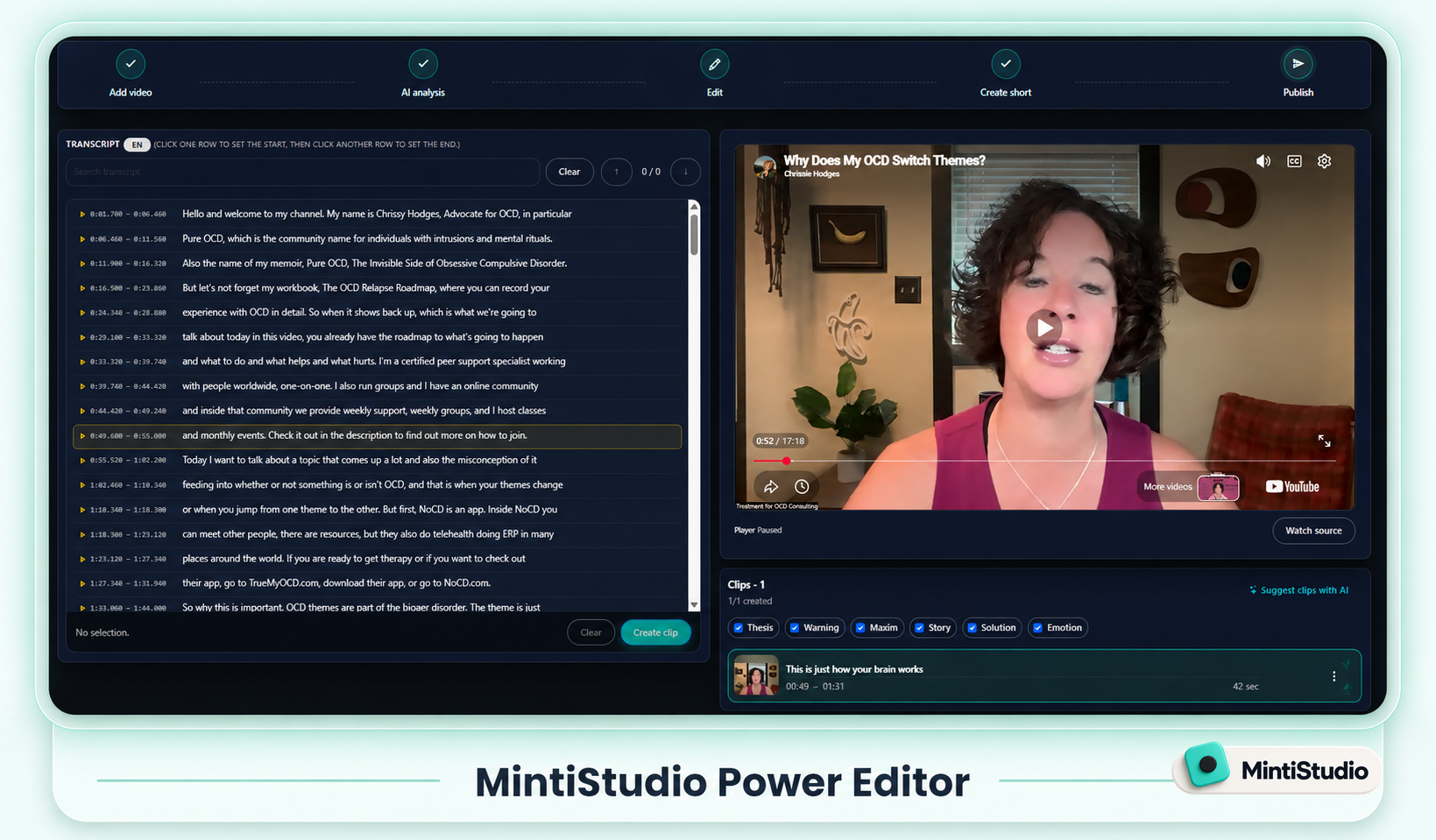
The transcript is one of the most useful parts of the clipping process.
Instead of scrubbing through a full video minute by minute, you can scan the words and quickly spot strong moments. You can see where the speaker explains something clearly, answers a question, or says something memorable.
Transcript review also helps avoid weak clips.
Some moments sound interesting inside the full video but do not work alone. They depend too much on what came before. They start too late. They end without a real point.
A transcript makes those problems easier to catch before you spend time editing.
AI can help find candidates, but the creator should decide
AI is useful for clipping because it can quickly suggest candidate moments from a long video.
That saves time. It removes the blank-page problem. It gives you options.
But AI suggestions should not automatically become published clips.
The creator still needs to decide which moments represent the channel well. That editorial decision matters because your Shorts are not just content. They shape how new people understand you.
A healthy workflow looks like this:
- AI suggests possible clips.
- You review the candidates.
- You keep the ones that feel useful and accurate.
- You remove the weak ones.
- You publish only what fits your voice and audience.
That balance gives you speed without giving up control.
Why scheduling matters
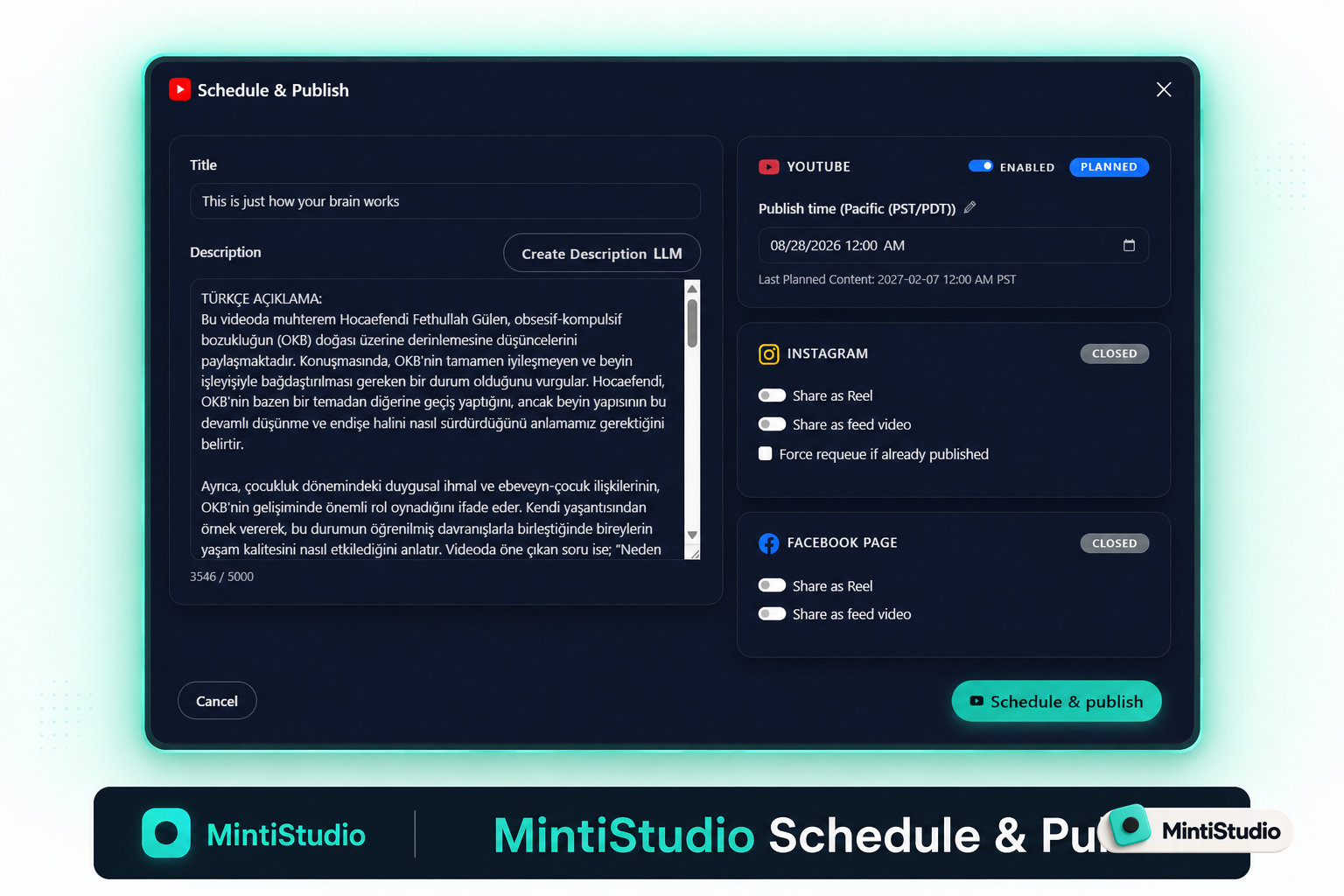
Once you have several Shorts ready, it is usually better to spread them across a schedule instead of publishing everything at once.
YouTube’s own creator guidance encourages a consistent, sustainable release schedule and also warns against bulk publishing. YouTube also explains that viewers can receive a limited number of upload or live notifications from one channel within a 24-hour period.
Sources:
- YouTube Help: Upload schedule tips
- YouTube Help: Fix subscriber notification problems
- YouTube Help: Skip sending upload notifications
This does not mean there is one magic number of Shorts per day. It means publishing rhythm matters.
For many creators, two or three Shorts per day can be a practical starting point when they have a backlog. Others may do better with one strong Short per day. The right cadence depends on your audience, your content quality, and your ability to stay consistent.
What to track after publishing
A clipping workflow gets better when you learn from each batch.
After your Shorts go live, look at which clips performed better and ask why.
Useful signals include:
- views
- watch time
- average engagement
- comments
- saves
- new subscribers
- clicks back to longer content
- which topics created the strongest response
Over time, patterns appear. Maybe your audience responds best to short explanations. Maybe personal stories work better than tips. Maybe question-based hooks perform better than broad titles.
That feedback should shape the next clipping batch.
DIY or done-for-you
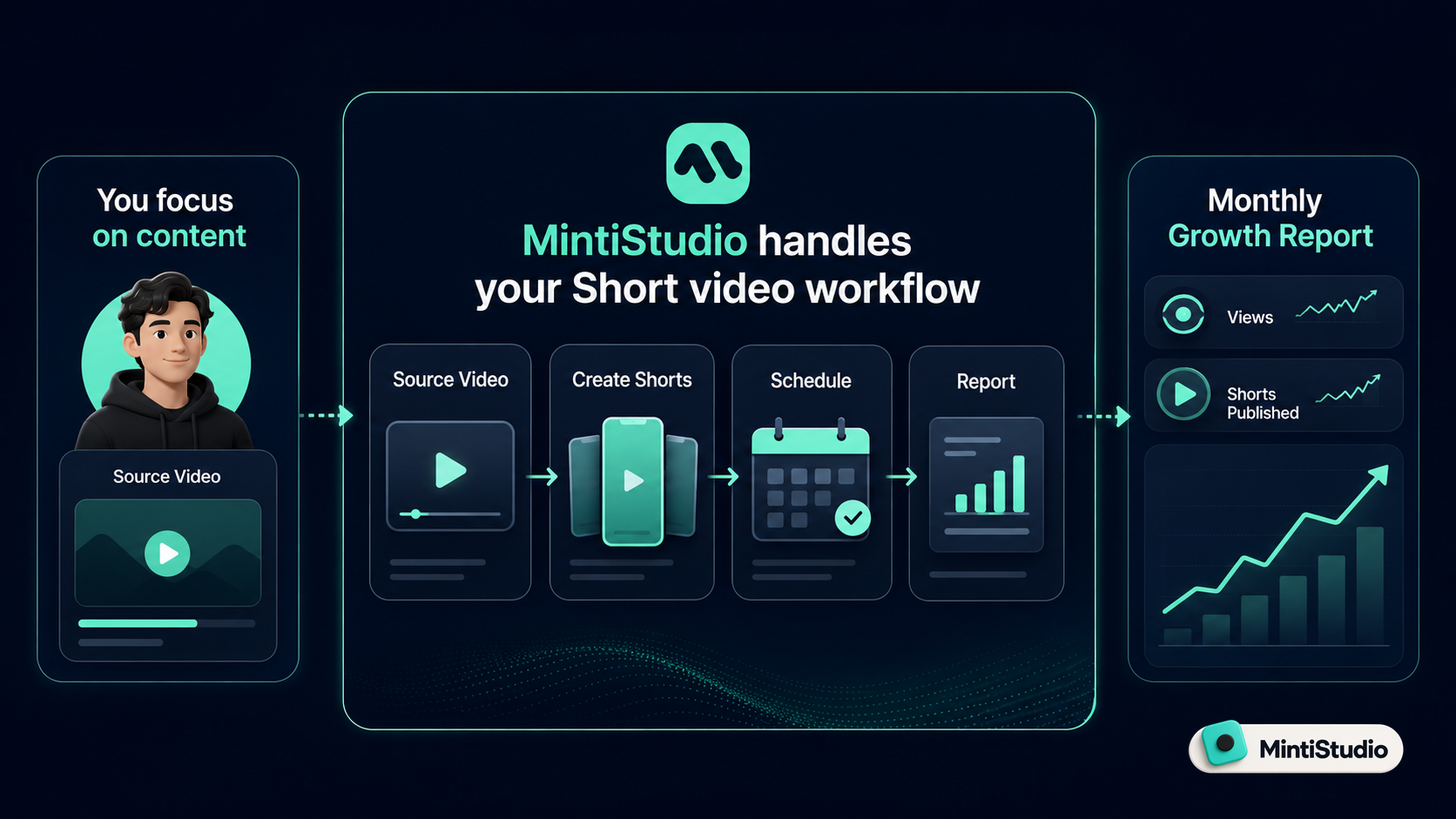
Some creators want to control the whole process themselves. They want to upload the video, review the transcript, choose clips, edit captions, schedule posts, and track results.
That is a good fit for a self-service workflow.
Other creators want the outcome but do not want to manage every step. They are busy recording, teaching, coaching, interviewing, or running their business.
For them, the better workflow may be done-for-you.
With MintiStudio Autopilot, the same clipping process can be handled for you. Your long videos are turned into captioned vertical Shorts, scheduled across your channels, and reported back inside your Minti account.
So the choice is simple:
- Use MintiStudio yourself if you want control and speed.
- Use MintiStudio Autopilot if you want the Shorts engine without the daily work.
Where MintiStudio fits
MintiStudio helps creators turn long videos into short-form clips from one workflow.
You can upload or connect your content, work from the transcript, use AI to suggest clip candidates, choose the best moments, style the Shorts, publish across platforms, and track what happens next.
The point is not to create more busywork.
The point is to make one long video go further.
Next step
If you already have long videos, start with one. Find three to five strong moments, turn them into Shorts, and schedule them across the week.
More from the blog
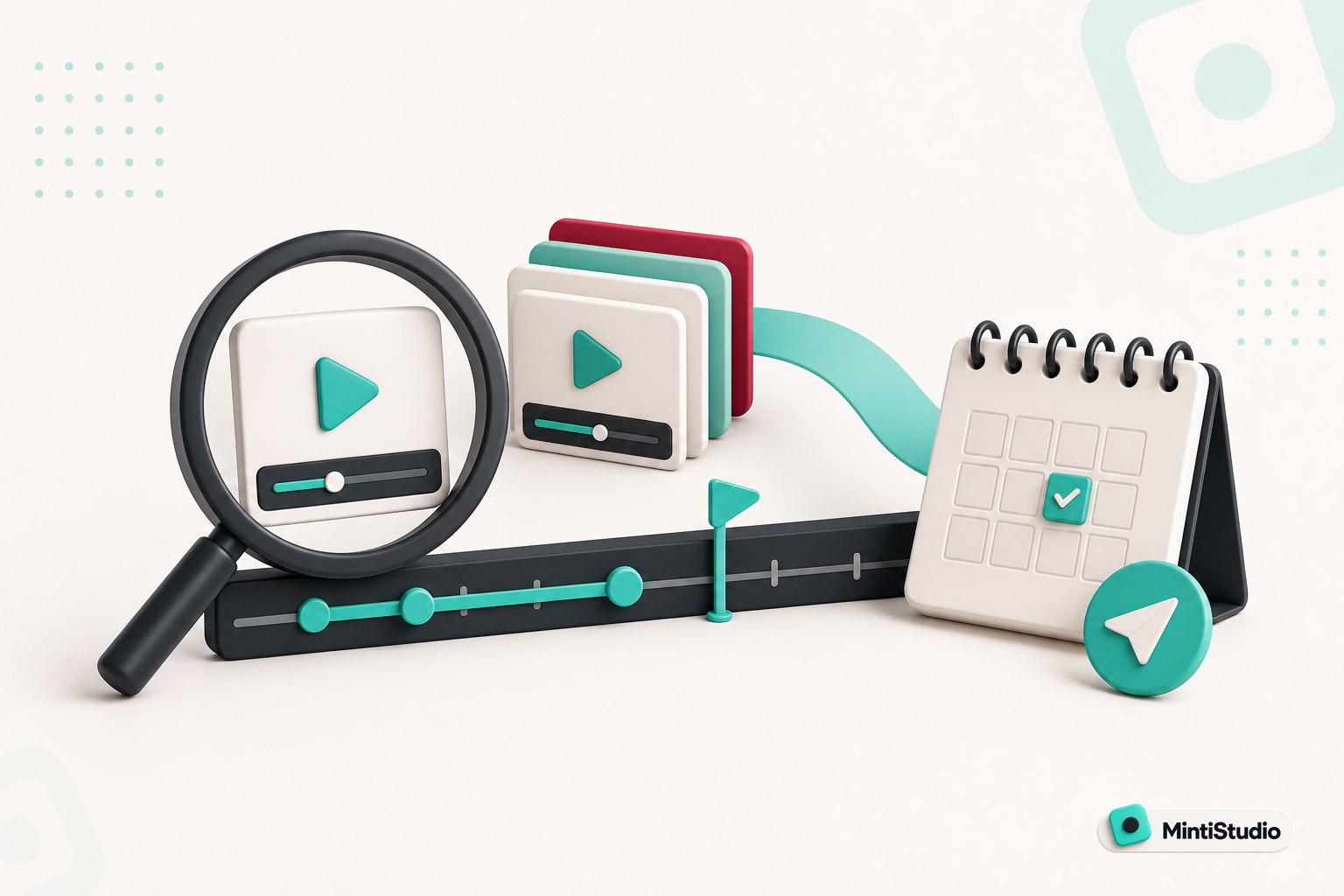
YouTube Shorts for Consultants: A Practical Workflow for Public Proof Without Sharing Client Confidentials
Consultants often have strong expertise locked inside private calls, workshops, and explainers. This guide shows how to turn those long recordings into buyer-relevant Shorts that build public proof, while keeping confidential details out of the workflow.
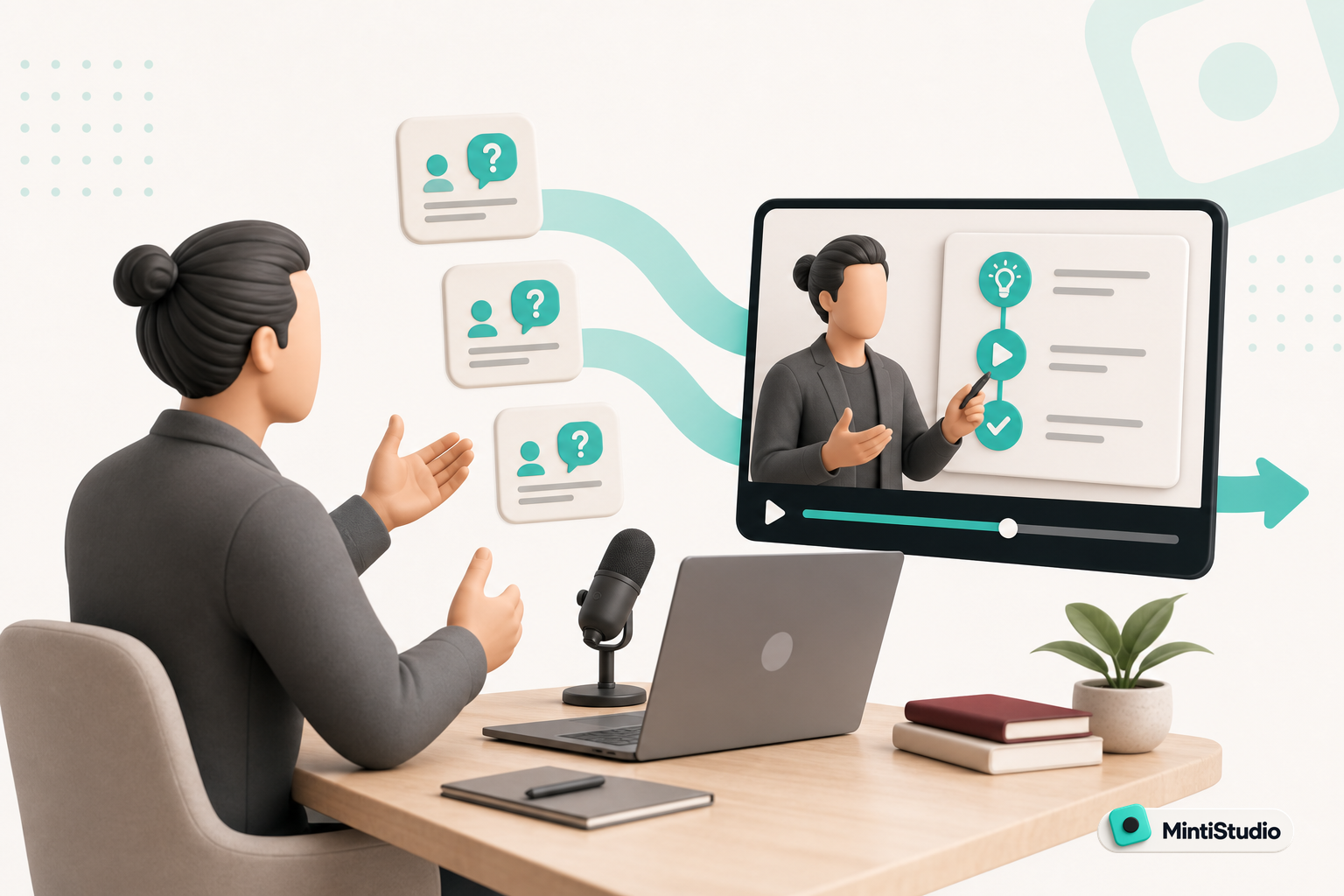
Turn Prospect Objections into Your Next Teaching Video
Use the questions prospects ask on sales calls to plan teaching videos that answer real objections, show your thinking, and create standalone moments that can become Shorts. This guide gives coaches and consultants a simple way to turn one conversation topic into a useful long video and a set of clip-ready lessons.