Minti Studio Autopilot

Autopilot Short Form Video Editing

You already create the long videos. Minti Studio turns them into Shorts. Get AI-assisted clip selection, vertical reframing, captions, titles, and publishing preparation without managing every editing step yourself.

Explore Autopilot Try the DIY clipping tool

Uses the existing Minti Studio signup and Autopilot onboarding flow.
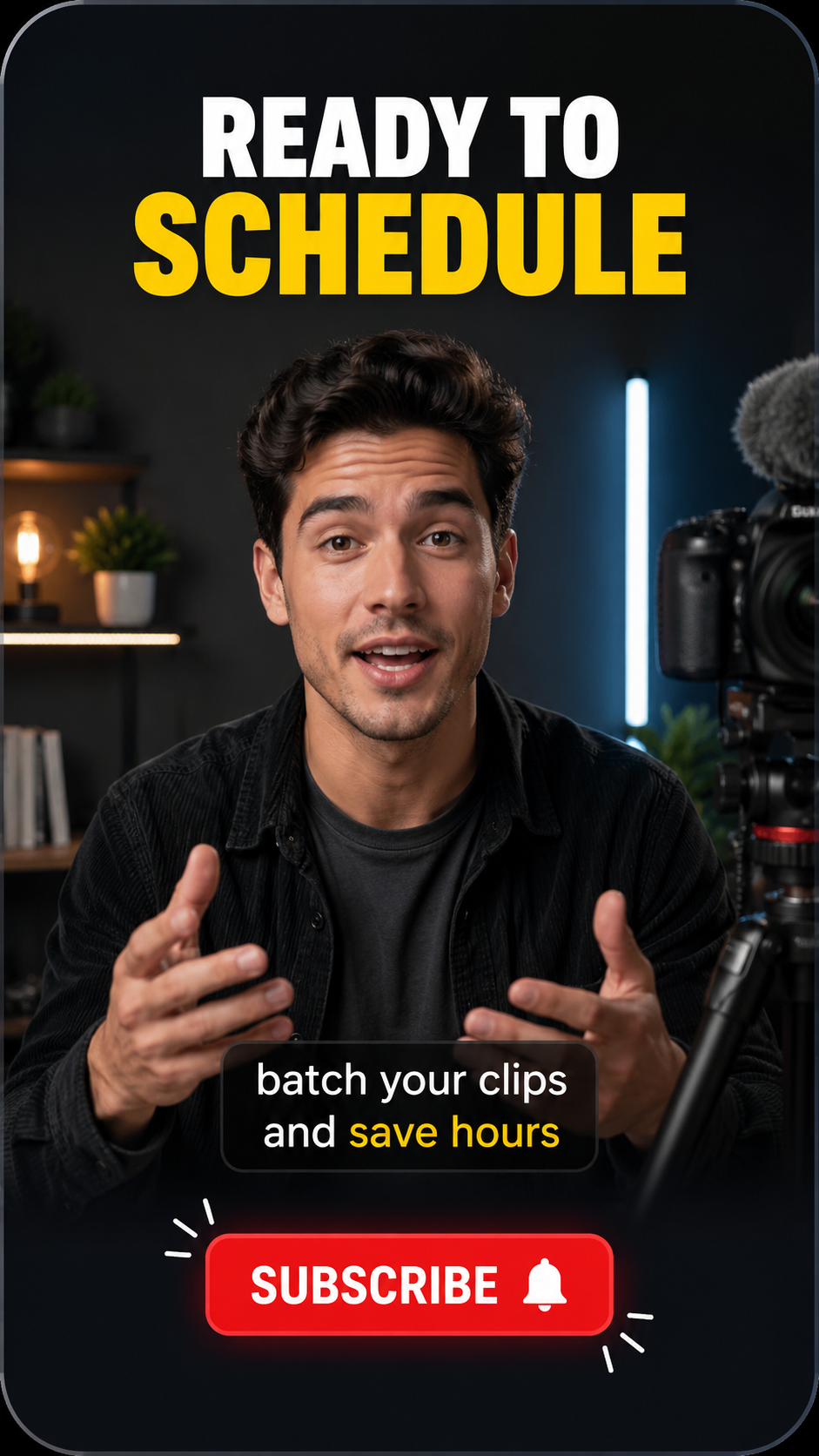
Example captioned vertical Short
Example short-form video prepared by Minti Studio
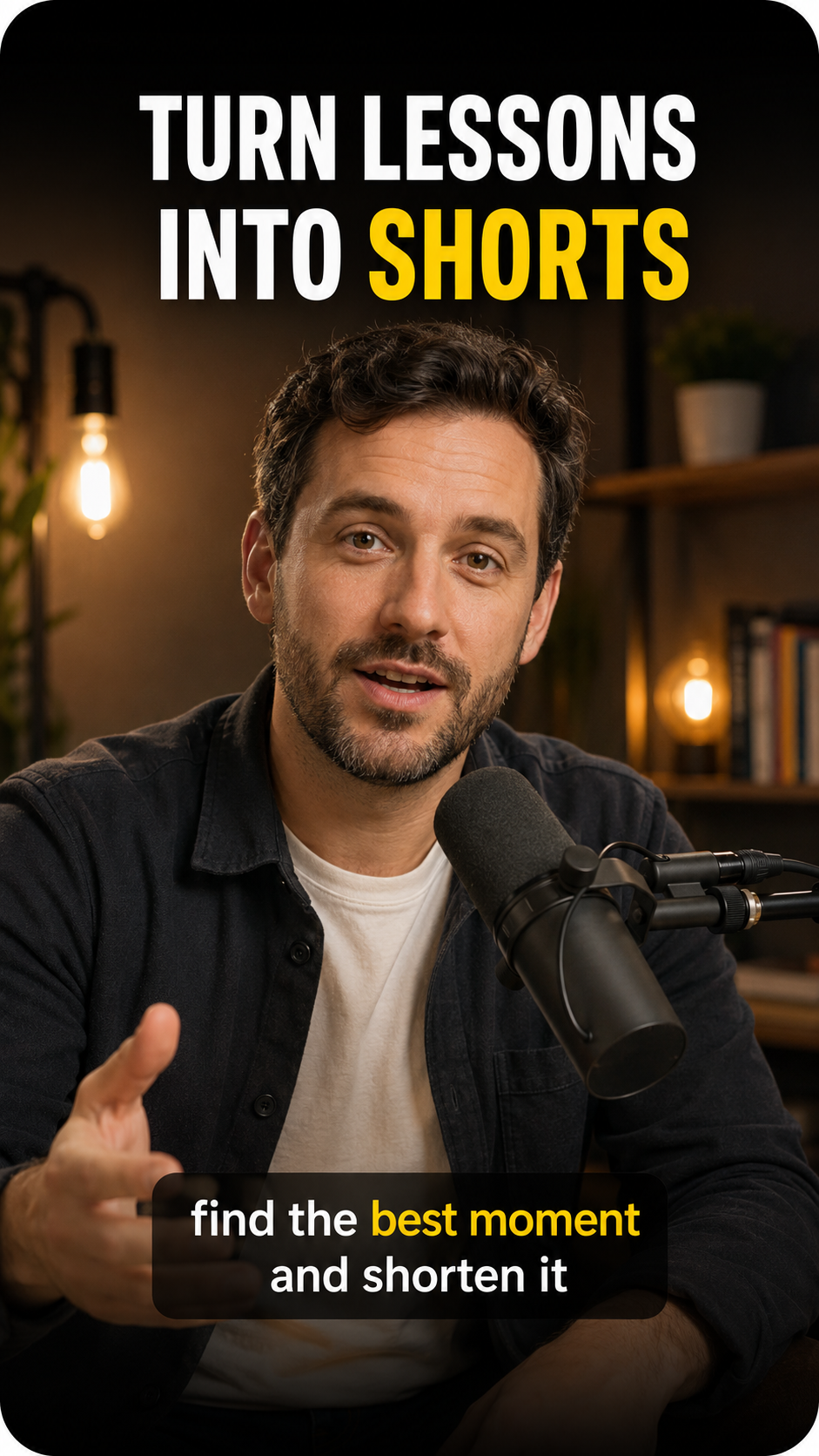
Example vertically framed Short
Ready for your review

For experts who already have something worth clipping

Autopilot is built for people who regularly publish substantial, speech-led videos.

YouTube creators
Consultants and coaches
Educators and course creators
Podcasters and interviewers
Presenters and speakers
Experts with long-form libraries

How the short form video editing service works

  1. Share your YouTube channel

    Choose the Autopilot path during signup and connect the channel that contains your long-form videos.

  2. Minti Studio prepares the Shorts

    The workflow identifies useful moments and prepares short clips with vertical framing, captions, and titles.

  3. Review and publish

    Review, change or remove any Short before it goes live.

What Minti Studio handles

The production steps between recording and publishing

Autopilot is a software-led alternative to coordinating a traditional short form video editing agency workflow.

Promising moment selection

AI-assisted analysis helps identify focused moments that can stand on their own.

Short clip preparation

Selected moments are shaped into focused short-form clips.

Vertical reframing

Wide source video is prepared for vertical short-form viewing.

Captions

Spoken content is transcribed and turned into readable on-screen captions.

Titles

Each prepared Short can include a title suited to the selected moment.

Publishing preparation

Prepared Shorts can move into Minti Studio's scheduling and publishing workflow.

You keep control

Autopilot keeps you in control

Prepared Shorts remain accessible in your Minti Studio account. Review, change or remove any Short before it goes live.

Autopilot or the DIY AI clipping tool?

Both workflows turn long videos into short form content. The difference is how much of the process you want to run yourself.

DIY

Free AI video clipping tool

  • Paste a public YouTube URL
  • Try one video without registration
  • Edit captions and framing yourself
  • Create an account for downloads and scheduling

Compare the current options on the Minti Studio pricing page.

Reuse what you already create

Your next batch of Shorts may already be inside your long videos

Video repurposing reduces the pressure to record something new for every short-form post. One useful lesson, interview, podcast, or presentation can supply several focused ideas while the original long video remains the source.

Plan a sustainable Shorts workflow

A weekly Shorts workflow

See how one long recording can support a more consistent publishing rhythm.

Build a weekly workflow

Short Form Video Editing FAQ

What is short-form video editing?
Short-form video editing turns useful moments from a longer recording into focused vertical clips. For Minti Studio Autopilot, that includes clip selection, vertical framing, captions, titles, and preparation for your publishing workflow.
Can Minti Studio turn my existing YouTube videos into Shorts?
Yes. Connect your YouTube channel so Minti Studio can use the long-form videos you already publish as source material for prepared Shorts.
Do I need to edit every clip myself?
No. Autopilot is the editor-managed path. Minti Studio prepares the clips, captions, framing, and titles. Review, change or remove any Short before it goes live.
Can I review Shorts before they are published?
Yes. Review, change or remove any Short before it goes live.
Is this different from the free AI video clipping tool?
Yes. The free tool is the DIY path: you paste a YouTube URL and work with the generated clip yourself. Autopilot is for people who want Minti Studio to keep the short-form production workflow moving for them.
What kinds of long videos work best?
Speech-led videos such as educational videos, podcasts, interviews, coaching videos, presentations, and expert commentary give the clip-selection system clear ideas and self-contained moments to work with.
Does Minti Studio add captions and vertical formatting?
Yes. Prepared Shorts can include captions, titles, and vertical framing designed for short-form viewing.

Minti Studio Autopilot

Keep making the long videos. Let Minti Studio prepare the Shorts.

Start through the existing Autopilot signup flow and connect the channel you want to repurpose.