How to Repurpose Long Videos into Short Clips
Learn how to turn podcasts, webinars, interviews, lessons, and long YouTube videos into short clips for YouTube Shorts, Instagram Reels, and Facebook Reels.
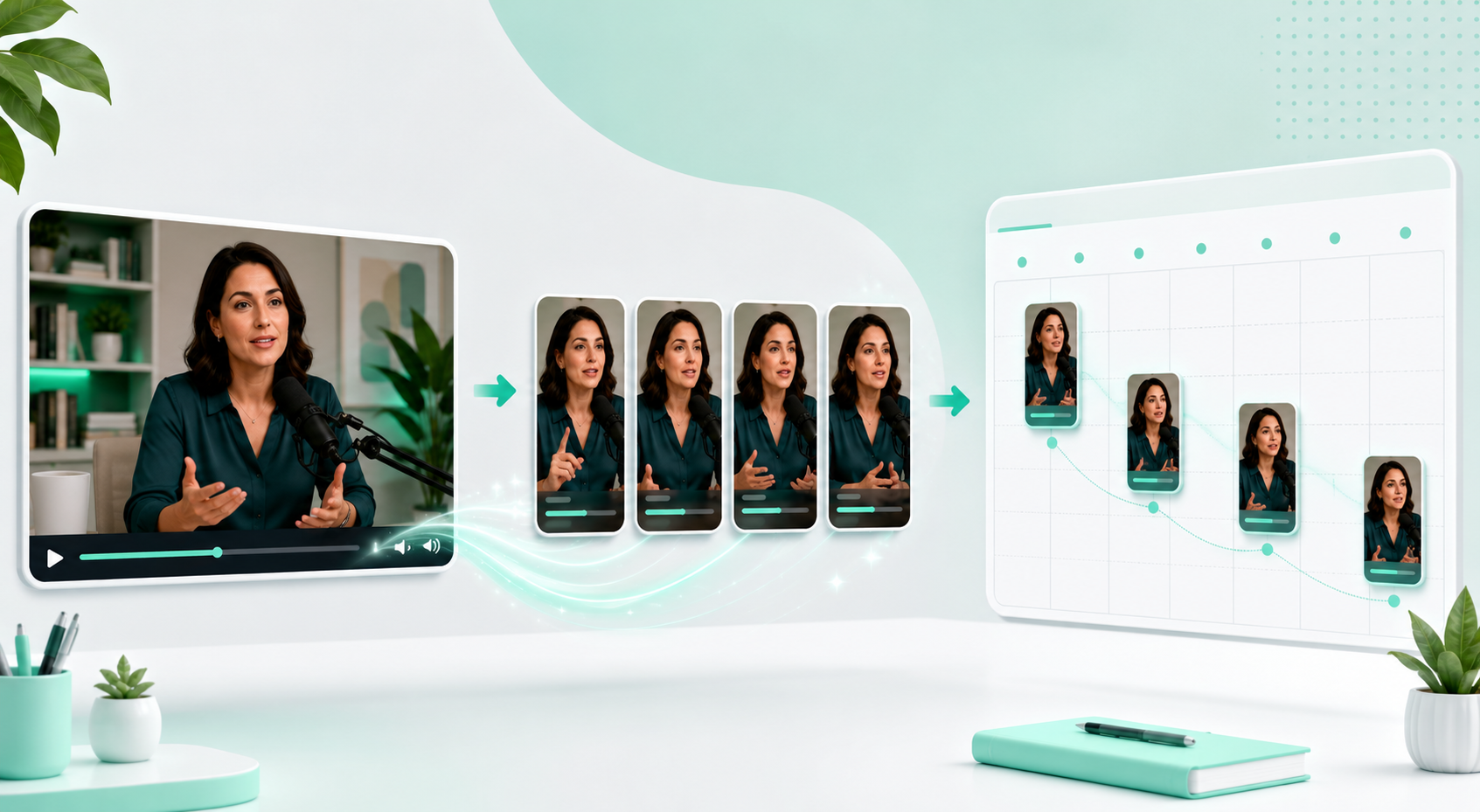
You can follow this workflow inside MintiStudio.
Start free with MintiStudio
A long video is not just one piece of content
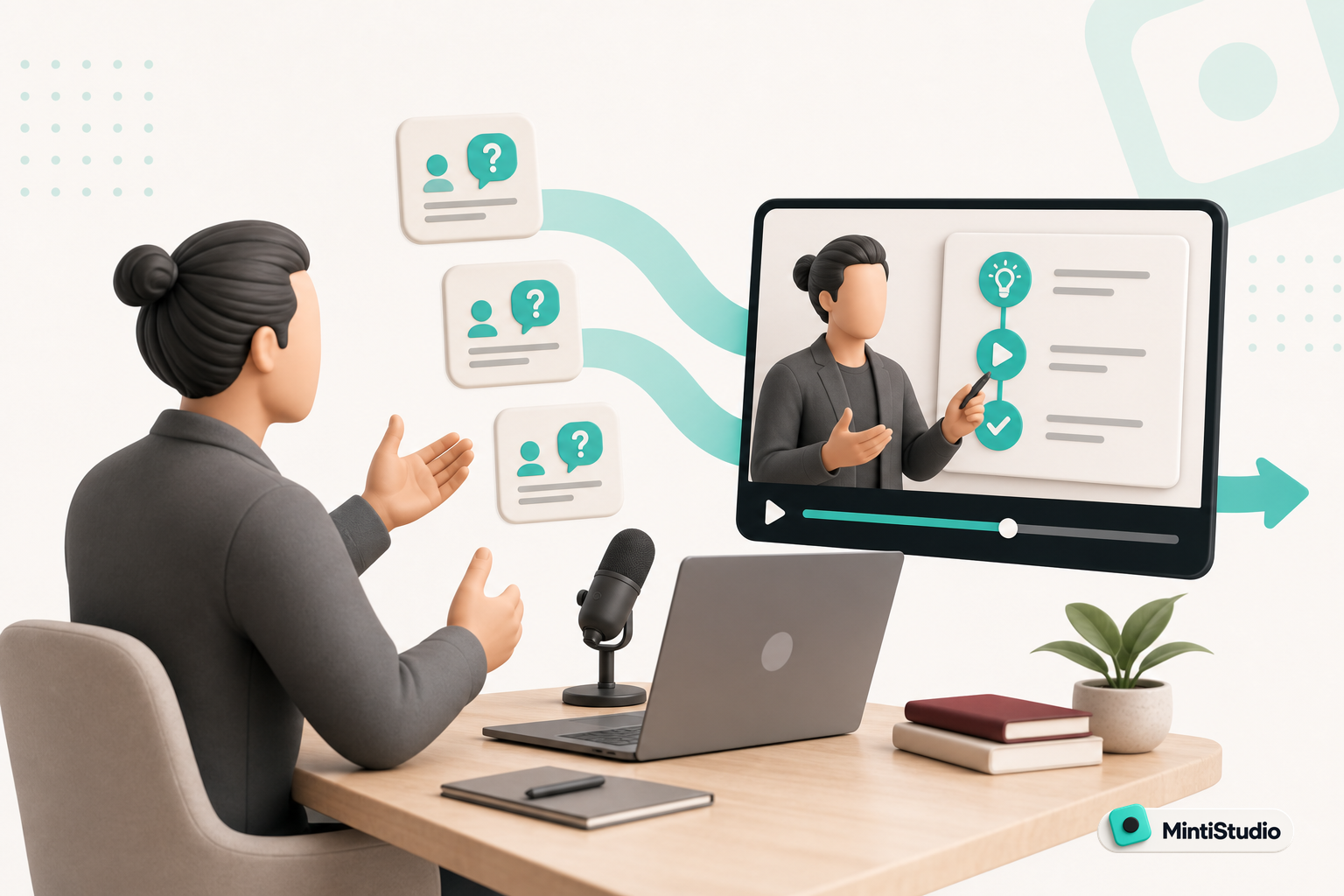
When you publish a long video, you often create more than one piece of content. A podcast episode, webinar, interview, lesson, talk, or YouTube video can contain many short ideas that are useful for social platforms.
Sometimes it is a strong explanation. Sometimes it is a clear piece of advice. Sometimes it is a short story that can catch the viewer’s attention. When you choose those moments carefully and turn them into short clips, the same long video can keep creating value across multiple platforms.
The goal is not to cut the video into random smaller pieces. The goal is to choose sections that stand on their own, deliver one clear idea, and work naturally in a short-form format.
Not every section is a good short clip
One of the most common mistakes in repurposing long videos is looking only at duration. A 45-second section may be short, but if it lacks context, it may not work as a clip.
A good short clip usually has:
- enough context to make sense on its own
- one focused idea
- a clear opening
- no unnecessary detours
- an ending that does not feel cut off
Before choosing a section, ask one question: would someone understand this clip if they had never watched the full video?
If the answer is yes, that section may be a strong candidate.
The transcript makes strong moments easier to find
Watching a long video from beginning to end and manually hunting for clips takes time. A transcript makes that process much easier. When you can see the spoken content in written form, it becomes easier to notice which sections are clear, useful, or shareable.
In MintiStudio, the transcript screen is not only for reading the text. It also becomes the starting point for clip selection. When you find a strong section in the transcript, you can choose the time range more intentionally and check whether the clip makes sense before creating it.
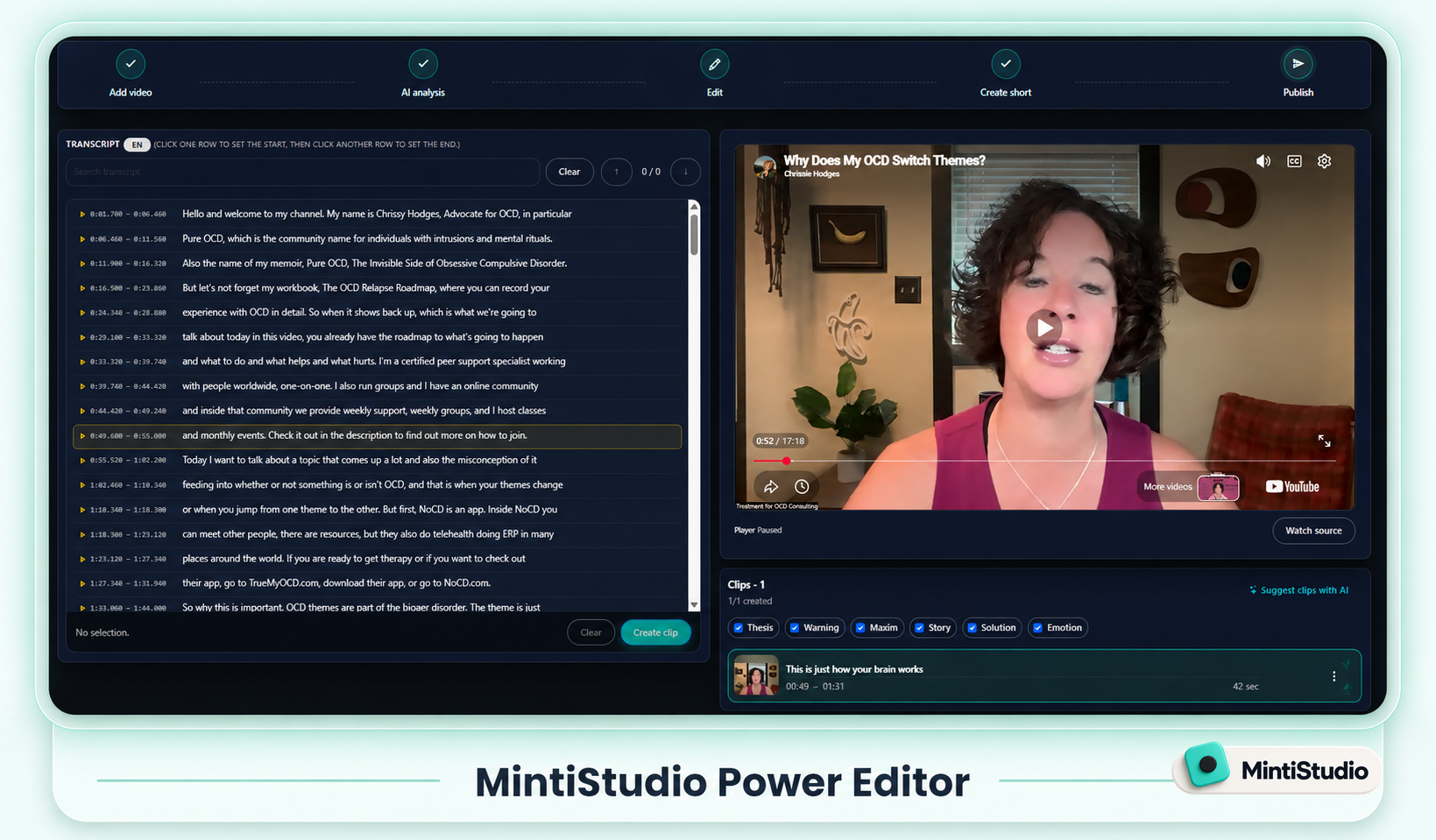
In the transcript, look for:
- one clear idea
- short and strong sentences
- question-and-answer moments
- direct advice to the viewer
- the strongest part of a story
- a correction of a common misunderstanding
The transcript also matters for caption quality. The cleaner the transcript is, the more professional the final captions will feel.
AI can show candidate clips quickly
One of the most useful roles for AI is finding candidate moments inside a long video. Instead of starting from a blank timeline, you get several potential clips to review.
But there is an important distinction: AI can find candidates, but you should make the final decision.
AI may recognize that a section is technically suitable for short-form content, but it does not know your channel’s tone, your audience’s expectations, your sensitivities, or what you have already posted as well as you do.
A good workflow looks like this:
- AI suggests candidate clips.
- You review those candidates.
- You choose the ones that fit.
- You adjust the title, start point, or end point if needed.
- You publish only the clips you actually want representing your channel.
This gives you speed without giving up editorial control.
A short clip should carry one message
If you try to fit too many ideas into one Short or Reel, the viewer gets lost. Short-form content usually works best when it carries one clear message.
For example:
- “Do not make this mistake”
- “The real reason is this”
- “The most important part of a good talk”
- “This mistake wastes a creator’s time”
- “How one long video can become a week of content”
When choosing a clip, you should be able to answer “what is this about?” in one sentence. If the answer is too long, the clip is probably too scattered.
9:16 framing and readable captions matter
Long videos are often horizontal. YouTube Shorts, Instagram Reels, and Facebook Reels are vertical formats, so cutting the clip is not enough. The video also needs to be adapted for short-form viewing.
Pay attention to:
- keeping the speaker’s face clearly in frame
- avoiding awkward crops
- making captions easy to read
- using title or hook text only when it helps
- keeping the background clean and watchable
A good short clip is not only about choosing the right moment. That moment also needs to feel natural on a vertical screen.
Think about the publishing workflow across platforms
You can use the same short clip on more than one platform, but the publishing flow should not be random. YouTube Shorts, Instagram Reels, and Facebook Reels can each have different audience behavior.
If you turn one long video into three to five short clips, it is usually healthier to spread them across a few days instead of publishing everything at once. That gives each clip its own publishing moment and makes performance easier to understand.
The Schedule & Publish screen in MintiStudio matters for exactly this reason. Once a clip is ready, you can adjust the title, description, platforms, and publish time from one place.
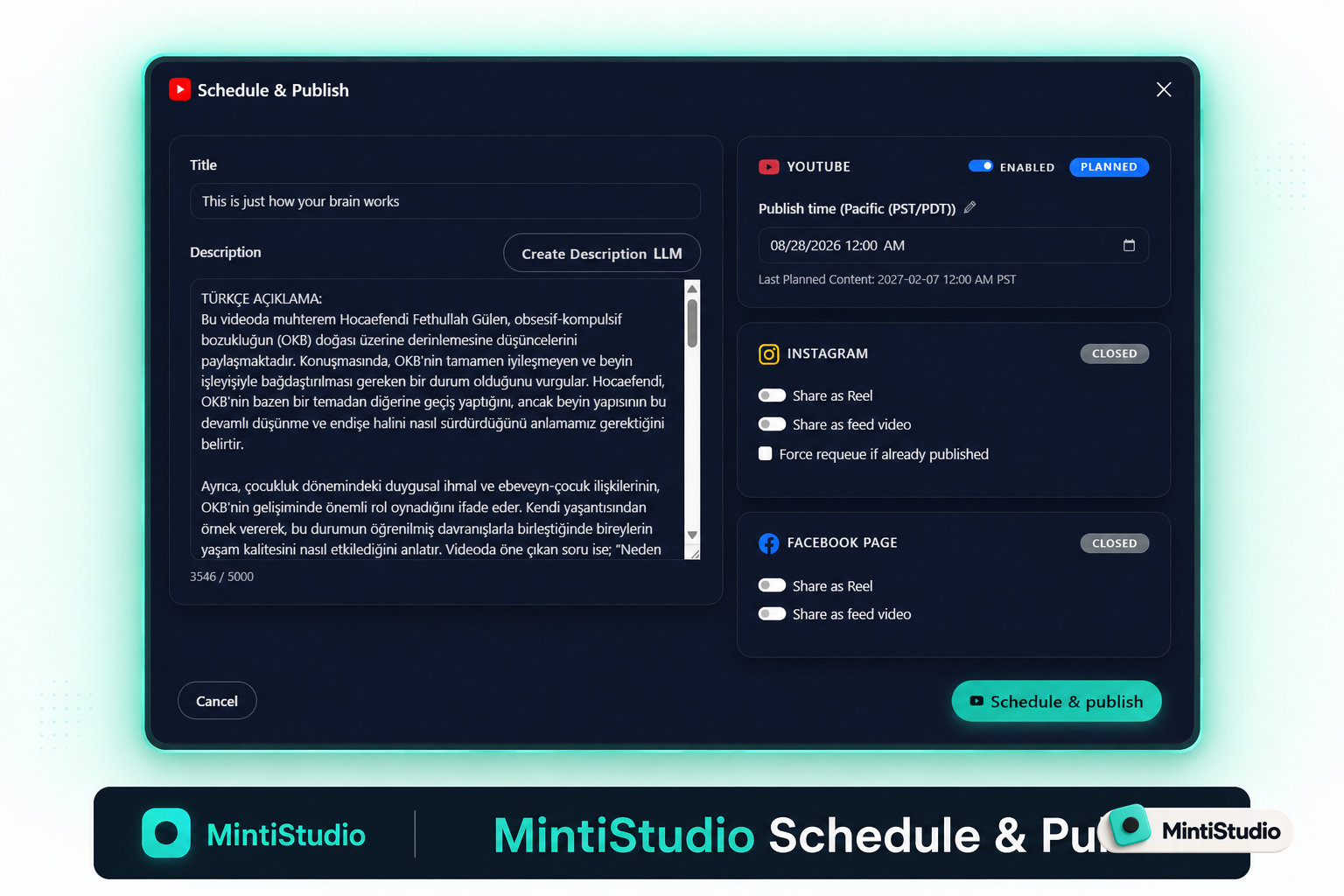
YouTube’s own Help Center guidance supports this direction. YouTube recommends avoiding bulk publishing and notes that viewers can receive a maximum of three new video notifications from one channel within a 24-hour period. YouTube also emphasizes that a consistent, sustainable release schedule is important for building audience expectations.
Sources:
A simple repurposing workflow
A simple workflow for turning long videos into short clips can look like this:
- Upload the long video.
- Generate or review the transcript.
- Ask AI for candidate clip suggestions.
- Choose the strongest moments yourself.
- Clean up each clip’s start and end point.
- Adjust vertical framing, captions, and style.
- Render the clip.
- Add it to your publishing schedule.
- Use performance data to guide the next batch.
With this workflow, one long video becomes more than a single upload. It becomes a source of multiple short-form content opportunities.
Where MintiStudio fits
MintiStudio brings this workflow into one place. You upload the long video, work from the transcript, let AI suggest candidate clips, choose the ones that fit, adjust them for vertical format, and add them to your publishing plan.
The important point is that AI in MintiStudio is not there to decide for you. It is there to give you better options faster. You still choose which clips represent your channel.
Next step
If you already have a long video, do not treat it as only one upload. Choose three to five strong sections that make sense on their own and turn them into short clips.
One long video can become a week of short-form content with the right workflow.
You can follow this workflow inside MintiStudio.
Start free with MintiStudio
More from the blog
YouTube Shorts for Consultants: A Practical Workflow for Public Proof Without Sharing Client Confidentials
Consultants often have strong expertise locked inside private calls, workshops, and explainers. This guide shows how to turn those long recordings into buyer-relevant Shorts that build public proof, while keeping confidential details out of the workflow.
Turn Prospect Objections into Your Next Teaching Video
Use the questions prospects ask on sales calls to plan teaching videos that answer real objections, show your thinking, and create standalone moments that can become Shorts. This guide gives coaches and consultants a simple way to turn one conversation topic into a useful long video and a set of clip-ready lessons.