Before Your Lesson Goes Public, Check the Path to Your Offer
A practical publishing checklist for educators and consultants who want their long lessons and Shorts to support an offer clearly, accurately, and responsibly. Learn what to check before publishing so your title, captions, links, disclosures, and end screens all point in the same direction.
A lesson should make the next step obvious.
Publishing is not only about whether a video looks finished. For educators and consultants, the real question is whether the path from lesson to offer is clear, accurate, and easy to follow.
A strong teaching video can still miss the mark if the title promises one thing, the description points somewhere else, the captions distort the message, or the call to action is broken.
That matters even more when one recording becomes two formats. A long lesson may support a deep explanation. A Short may need a tighter promise and a simpler next step. If the path to your offer is muddy in either format, the viewer has more work to do than they should.
This guide gives you a practical youtube publishing checklist for educators, with separate checks for long lessons and Shorts.
What this checklist is really protecting
Before you publish, you are checking three things:
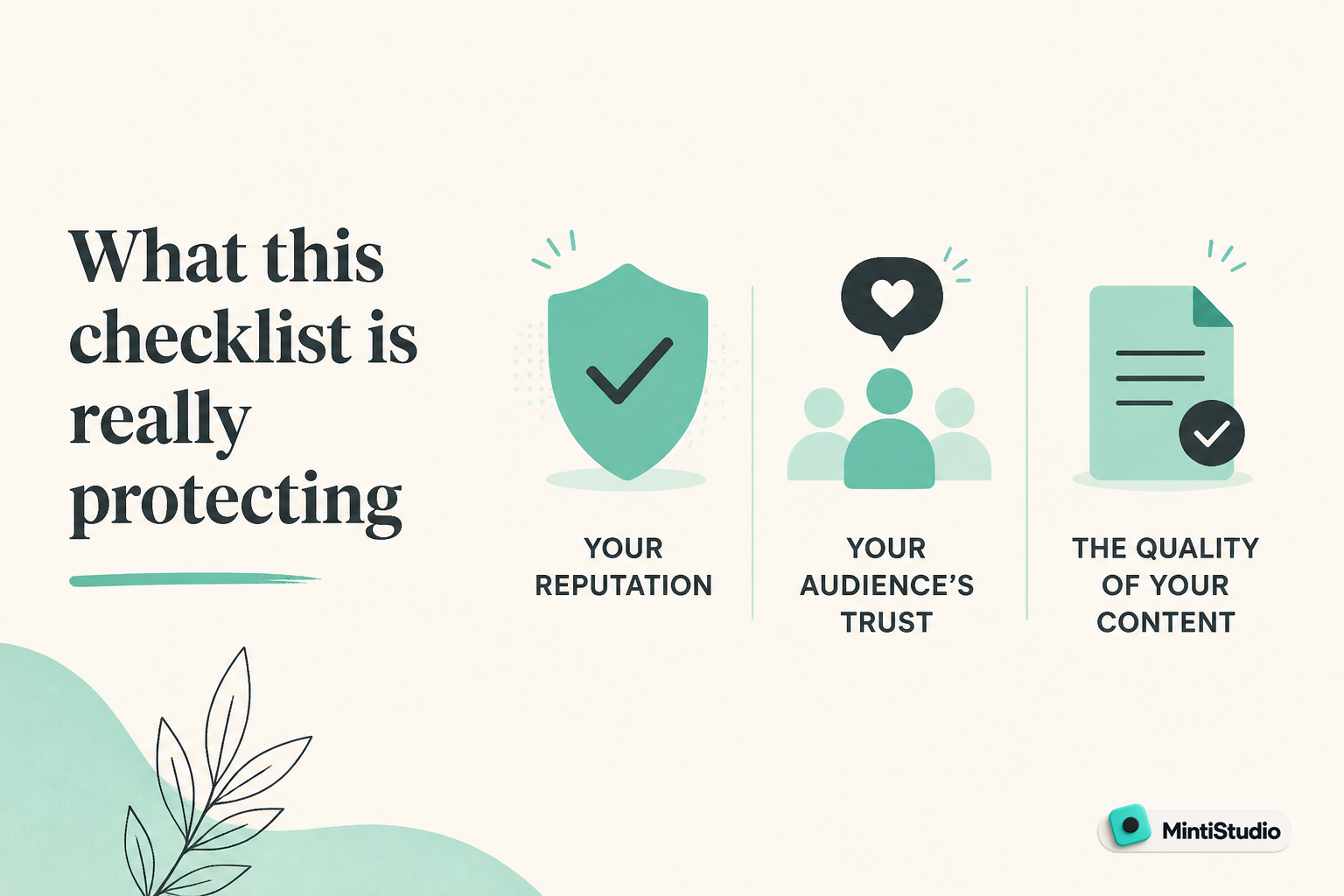
When the publish path is clean, the viewer can understand the lesson, trust the packaging, and follow the next step without friction.
That sounds simple, but in practice these checks can be missed when you are moving fast.
If you teach, coach, or consult, your content often sits near a sale. The video may answer a question, demonstrate a framework, or build trust. The publishing step should make that trust easier to act on, not harder.
Long lessons and Shorts do not need the same final review
A long lesson and a Short serve different jobs.
A long lesson can hold context, nuance, and a fuller explanation of your offer. A Short has less room and usually needs one clear angle.
That means your last-minute checks should change by format.
Long lessons need context and accuracy
For a longer video, your main concern is whether the whole package matches the content:
- does the title reflect the actual lesson
- does the thumbnail support that promise
- does the description lead with the right context
- do the links go where you expect
- do the captions reflect the spoken words
Shorts need clarity and continuity
For a Short, the focus is tighter:
- does the opening frame make sense fast
- does the caption support the spoken point
- does the title match the clip, not the full video
- does the next step still make sense in a compressed format
The more compressed the format, the more important the final check becomes.
A practical publishing checklist for long lessons
Use this before a full lesson goes public.
One. Check the title against the actual lesson
The title should match the content people will hear.
If the title sounds like a promise, the video needs to deliver on that promise early enough to keep trust. If your lesson is about a narrow framework, the title should not make it sound like a universal fix.
Ask one plain question: if a viewer sees the title alone, would they feel correctly prepared for the video?
Two. Check the thumbnail and title as a pair
The title and thumbnail should work together, not compete.
A clear thumbnail helps the viewer understand the topic before they click. A clear title helps them know the angle once they are considering it.
If both are trying to say different things, the video starts with confusion.
Three. Check the first lines of the description
For a long lesson, the opening description should do the basics quickly:
- state the topic clearly
- give the viewer a useful next step
- place the main links where they are easy to find
Do not bury the core topic under extra wording. The first lines are doing the heavy lifting.
Four. Check disclosure fields and labels
If your video needs a disclosure, make sure it is set correctly before publishing.
That includes audience settings, age restrictions, paid promotion disclosures, and altered or synthetic content disclosures when relevant under current YouTube guidance. These are different settings and do different jobs, so review each one separately.
For current details, confirm the latest guidance in YouTube Help before publishing.
Five. Check caption accuracy
Captions are not just convenience text. They are part of the viewer experience.
A caption that changes a key term, a framework name, or a call to action can create confusion. Before you publish, spot-check the places where your message is most specific.
Six. Check links before the video leaves review mode
A broken link wastes the trust the video just earned.
Open the links you plan to mention and confirm they go where you intended. If the lesson points people toward a booking page, lead magnet, course, or signup form, that destination should be live and correct.
Seven. Check end screens and pinned comments
If your video has a next step, make sure it is actually set up.
A good lesson should not end in a dead end. End screens, pinned comments, playlists, and related video links all help the viewer continue the path you started.
A practical publishing checklist for Shorts
Shorts need a simpler but stricter final pass.
One. Check that the clip still makes sense on its own
A Short can come from a larger lesson, but it still has to stand by itself.
If the viewer never saw the full video, would the clipped version still make sense? If not, tighten the selection or rewrite the title so the moment is easier to follow.
Two. Check the first second for clarity
The opening moment matters more than most creators expect.
A Short that opens in the middle of a visual transition or a half-finished thought can lose the viewer before the real point lands. The first second should already feel like the clip is about something.
Three. Check the caption style and readability
If your clip uses captions, make sure they are legible and consistent.
The viewer should not have to decode the text. The caption style should support the point, not become the point.
Four. Check that the title fits the clip, not the whole source video
A Short title should match the specific clipped moment.
If the title sounds broader than the clip, viewers may feel misled. If it is too vague, the clip can lose momentum.
Five. Check the link path after the view
If the Short is part of your offer path, know exactly where you want people to go next.
That might be a channel page, a related long video, a landing page, or your main offer. The point is not to add more links. The point is to make the next step easy to find and consistent with the clip.
Where disclosure and accuracy matter most
You do not need to turn every video into a compliance document. You do need to be precise where precision protects trust.
Pay close attention to:
- audience labels and age-related settings when they apply
- paid promotion or sponsorship disclosures when they apply
- altered or synthetic content disclosures when they apply under current YouTube guidance
- caption accuracy for names, frameworks, prices, deadlines, and offer details
For educators and consultants, these details matter because trust is part of the product. If the video is how people first judge your expertise, then the metadata around it matters too.
A simple review workflow before publishing
Here is a workflow you can use every time.
Review the source first
Check the full lesson or clip for the real message. Make sure the best teaching moment is actually the one you plan to publish.
Match the packaging
Confirm that the title, thumbnail, captions, and description say the same thing in different ways.
Test the links and next step
Open the destination pages yourself. If a viewer clicks through, they should land exactly where you intended.
Check disclosures and captions last
Look at any required settings, then spot-check caption accuracy for the key terms that matter most.
Publish only after a plain-language read
Say the path out loud: what the video is, what the viewer gets, and where they should go next.
Where MintiStudio helps
MintiStudio turns long videos into Shorts for YouTube and Instagram Reels. Facebook Page publishing is supported when a Facebook Page is connected.
That helps when you already have the lesson recorded and want to turn it into a short-form path toward your offer without rebuilding everything from scratch.
If you want to find the strongest teaching moment first, MintiStudio supports AI clip suggestions and transcript-based clip selection so you can choose a segment that already carries the point.
If you are repurposing a horizontal lesson for Shorts, the Crop for Shorts editor helps you reframe the video to vertical while you review caption style templates and the final preview in one place.
If your workflow is ready to hand off, Autopilot handles the clipping work, prepares the Shorts, and schedules or publishes them on your connected YouTube account. You can review every prepared Short before it goes live, and each one stays visible in your My Videos page under "prepared by Minti" where you can watch, edit, or delete it at any time.
That makes Autopilot useful for busy solo experts who already have recordings and want the operational work handled.
A final check by format
Before you publish, ask these questions.
For long lessons
- Does the title match the real lesson?
- Does the thumbnail support the promise?
- Are disclosures set correctly?
- Are captions accurate in the places that matter?
- Do the links and end screens actually work?
For Shorts
- Does the clip make sense on its own?
- Does the opening frame land fast?
- Do the captions stay readable?
- Does the title match the clipped moment?
- Is the next step clear after the view?
If you can answer yes to most of those questions, your video is much closer to being ready.
Related guides
- How to Turn YouTube Videos into Shorts
- The Weekly Shorts Workflow for Busy Creators
- How Coaches Can Turn Long Videos into Shorts That Bring in Clients
Publish the video, then protect the path
A good lesson does not end when the export finishes. It ends when the viewer can understand it, trust it, and follow the next step without friction.
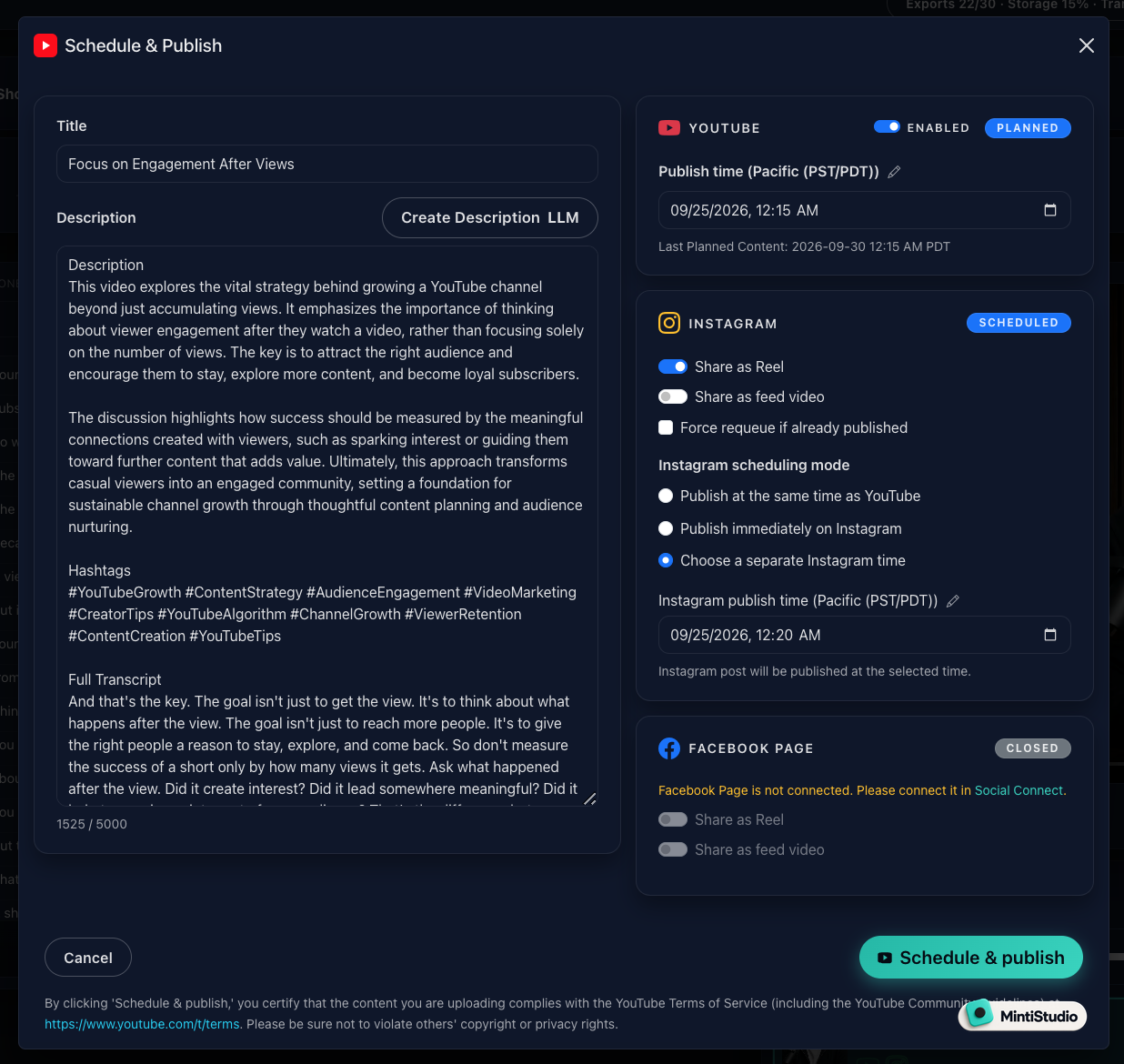 Screenshot from MintiStudio
If you want help turning your long videos into Shorts while keeping the workflow organized, Start free with MintiStudio and build a publishing process that supports both teaching and the offer behind it.
More from the blog
Will Your Lesson Still Make Sense on a Phone Screen?
When you crop a teaching video for Shorts, the goal is not just to fit the frame. The goal is to keep the lesson readable, understandable, and complete on a small screen. This guide gives educators, coaches, and interview podcasters a practical checklist for vertical cropping, with a simple workflow for reviewing text, references, and speaker changes before publishing.
YouTube Shorts for Consultants: A Practical Workflow for Public Proof Without Sharing Client Confidentials
Consultants often have strong expertise locked inside private calls, workshops, and explainers. This guide shows how to turn those long recordings into buyer-relevant Shorts that build public proof, while keeping confidential details out of the workflow.