Help Buyers Find Your Expertise Before They Know Your Name
A practical guide for consultants and educators who want searchable videos that answer real buying questions, not generic keywords. Learn how to choose queries, package the lesson honestly, and use Shorts as an extra discovery path without pretending they are a search-ranking shortcut.
Search works best when the video answers a decision someone is already trying to make.
If you are a consultant, educator, coach, or podcaster, search discovery can be useful for one simple reason: people often look for help before they know who to ask.
That means your job is not to chase broad traffic. Your job is to make the right answer easy to find.
The best YouTube search strategy for consultants is not about stuffing keywords into every sentence. It is about building videos around real questions, framing the outcome clearly, and making each lesson easy to discover, understand, and reuse.
Start with the buyer's question
A search-friendly video begins with a question a buyer would actually type when they are stuck.
That question is usually specific. It is not “marketing help.” It is more like:
- How do I turn one webinar into several clips?
- How do I explain my offer without sounding salesy?
- How do I know if my audience is qualified?
- How do I make my teaching easier to follow on a phone?
Those are good video prompts because they sit close to a buying decision.
If the question is too broad, your video becomes hard to position. If it is too narrow, no one understands why it matters. The sweet spot is a search term that names a real problem, then a title that promises a clear answer.
Choose the problem before the keyword
Before you look at search volume, write the problem in plain language.
Ask yourself:
- What decision is the viewer trying to make?
- What is the friction stopping them from acting?
- What outcome would make this video worth watching now?
Once you know that, keyword selection becomes a packaging task rather than a guessing game.
Package the answer honestly
Search can bring people to your video. The title and opening seconds decide whether they stay.
A strong package does three things:
- it names the problem clearly
- it signals the audience type
- it hints at the result without overselling it
That means your title should sound useful to a human first and searchable second.
A weak title often sounds broad or clever. A stronger one sounds like a direct answer.
For example, a consultant video about repurposing could be framed as “How to Turn One Long Call into Three Useful Shorts” rather than a vague “Content Repurposing Tips.”
The first version tells the viewer what will happen. The second version tells them what topic they are entering.
Use the opening to confirm relevance
Once someone clicks, the first moments should confirm that they are in the right place.
Say the problem early.
Then say who the video is for.
Then say what they will walk away with.
This matters because search traffic is often impatient. People do not need a long introduction. They need a quick signal that the answer is here.
A simple structure works well:
- Here is the problem.
- Here is who it applies to.
- Here is the practical fix.
- Here is what you should do next.
That structure helps your expertise land before the viewer knows your name.
Make the thumbnail do a different job than the title
The thumbnail should not repeat the title in picture form.
It should add one more reason to click.
If the title gives the topic, the thumbnail can show the tension, the outcome, or the contrast.
For instance, if your title promises a workflow, the thumbnail can suggest the result of that workflow. If the title names a mistake, the thumbnail can show the fix.
That way, the two together create one complete promise instead of saying the same thing twice.
Where Minti Studio helps
Minti Studio helps when your answer lives inside a long recording and you want that material to keep working after the live session or upload.
You can paste a YouTube link or upload a file, then turn a long lesson into Shorts that point people toward the exact problem you solve. That is useful when you want more discovery surfaces without adding another production day.
Autopilot is the done-for-you path for busy experts who do not want to run a clipping workflow themselves. You share your YouTube channel link, and Minti Studio handles the clip selection, vertical reframing, captions, titles, and publishing prep. You still review every prepared Short before it goes out, so the clips stay aligned with your message.
If you prefer hands-on control, the DIY workflow lets you use AI clip suggestions, transcript-based selection, caption templates, reframing, and scheduling to shape the Short around a specific buyer question.
Build a simple search-led workflow
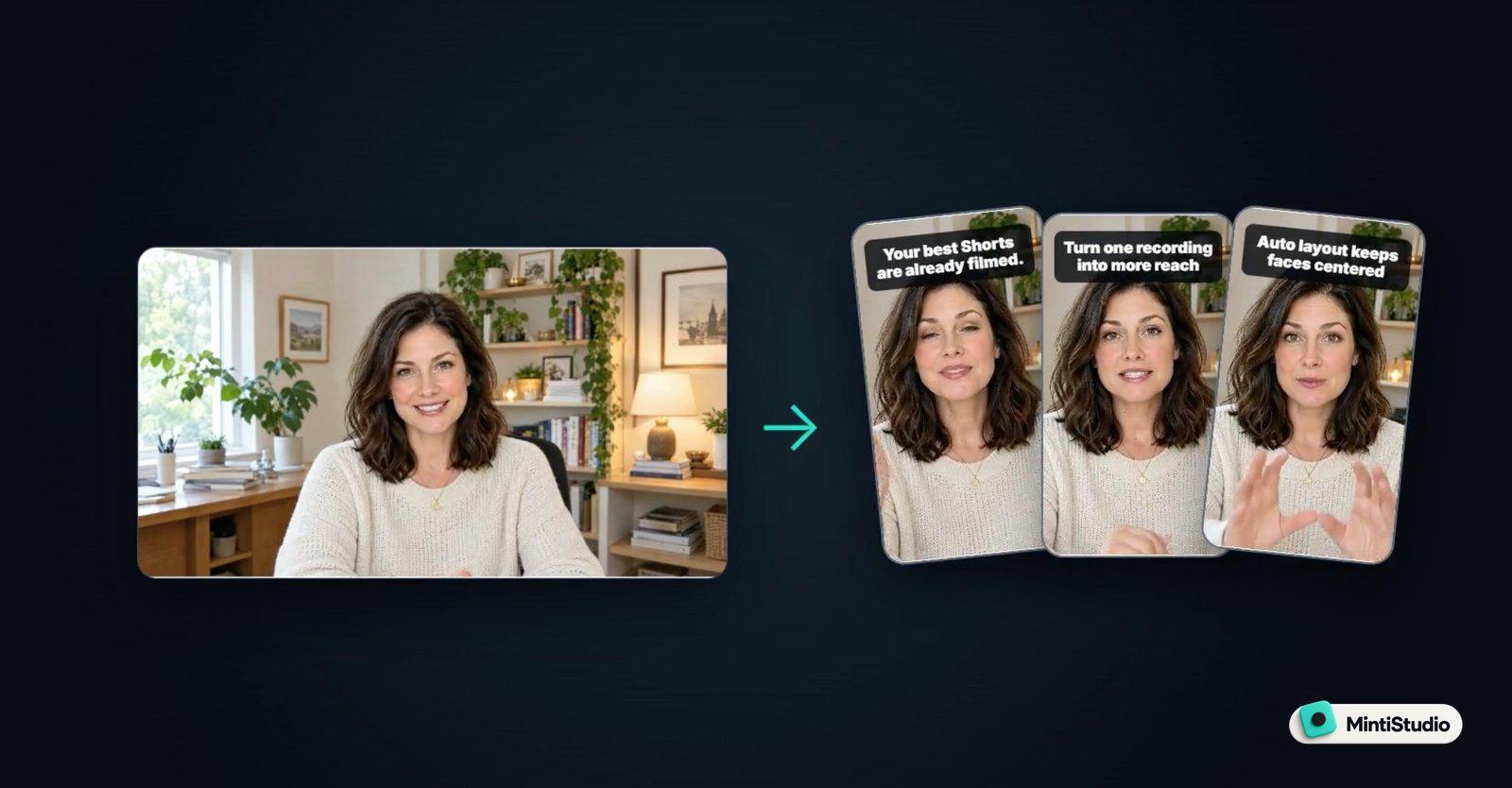
Search-led content becomes easier to sustain when you treat it as a repeatable process.
Step one: choose one question
Start with one question your audience already asks in calls, comments, or emails.
If you serve consultants or educators, your best questions usually come from the moments where someone says, “How do I…” or “What should I do when…”
That gives you an angle that is useful before it is trendy.
Step two: make the answer teachable
A search video does not need to solve everything.
It needs one clear promise.
If the question is broad, narrow it to one part of the problem. If the problem is technical, focus on the first decision point. If the problem is strategic, focus on the tradeoff the viewer must understand.
The clearer the promise, the easier it is for searchers to trust the video.
Step three: keep the structure visible
Long videos hold attention when the viewer can follow the logic.
Use chapters, section breaks, and clear transitions so the lesson feels navigable. That does not mean packing the video with formalism. It means making the path obvious.
If someone wants to jump to one part, they should be able to do that quickly.
Step four: turn the best moment into a Short
The strongest section of your long video can become a Short that introduces the same idea in a faster format.
That Short is not there to replace the original video. It is there to create another entry point.
You can use Minti Studio to turn that long recording into vertical clips with captions and a cleaner publishing path, which helps you extend the same expertise across formats.
Step five: measure the quality of attention
Search success is not just about views.
You want the right kind of attention.
Look for signs that the video is reaching people who are close to the problem you solve:
- comments that mention a specific pain point
- questions that match your offer
- viewers who watch the full explanation instead of bouncing early
- follow-up inquiries that sound informed rather than random
If the audience is broad but not qualified, the topic may be too loose.
What to avoid when choosing queries
A search strategy can drift when the keyword becomes more important than the buyer.
Avoid these traps:
- choosing a phrase because it has volume, even if it does not match your offer
- using jargon that your audience would not naturally type
- picking a topic that attracts curiosity but not action
- making the title so clever that the practical benefit disappears
The goal is not to get found by everyone.
The goal is to get found by the people who need the answer you already know how to give.
Use Shorts as a discovery bridge
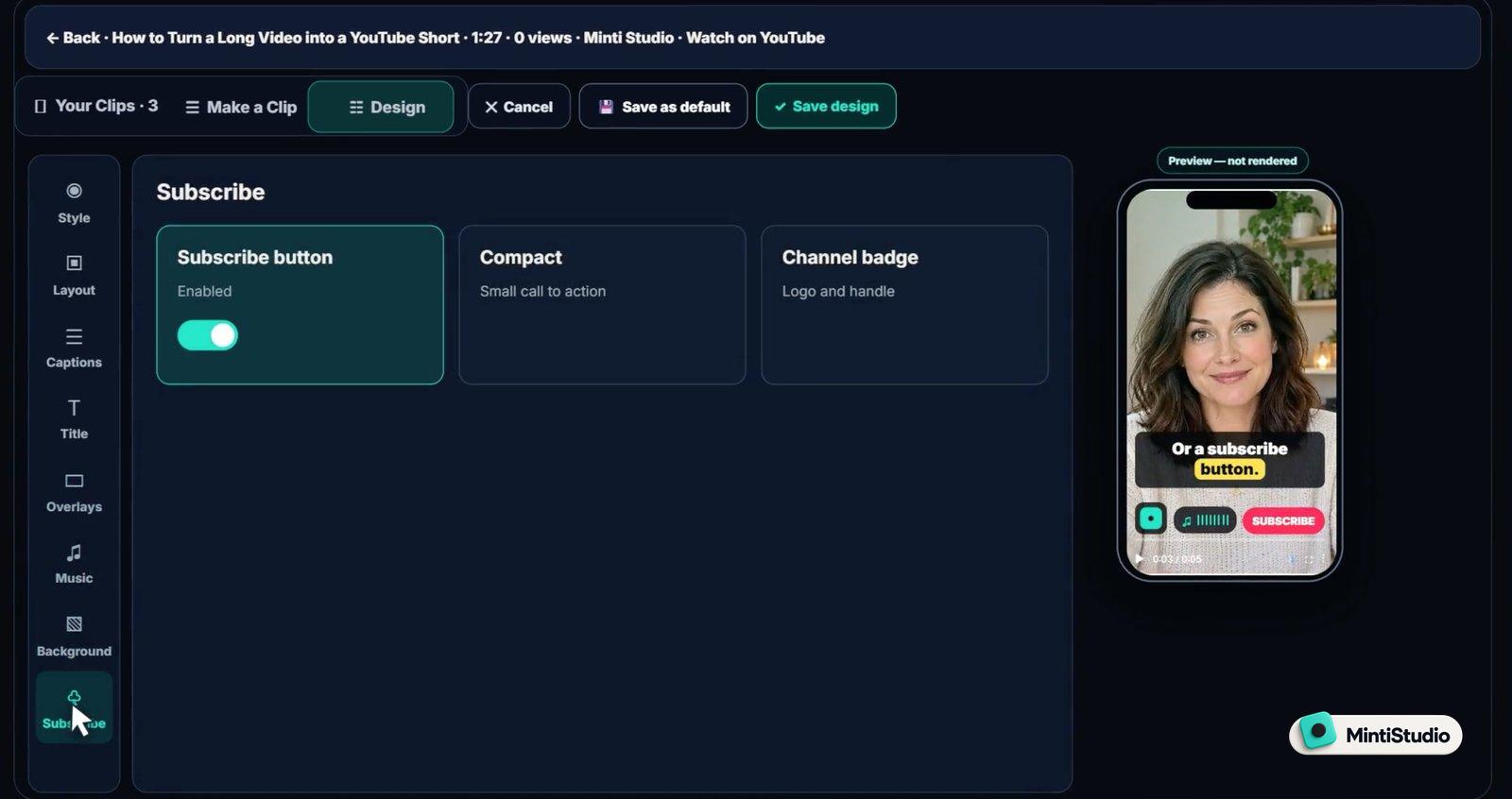 Screenshot from Minti Studio
Shorts are useful when they carry one clear idea from a long lesson into a smaller surface.
For consultants and educators, that can mean:
- one objection turned into one explanation
- one framework turned into one quick lesson
- one common mistake turned into one corrective tip
- one long answer turned into one easy starting point
This is where a tool like Minti Studio fits well. It helps you keep long-form expertise from living only in the original upload. You can turn a recording into multiple Shorts, review them before publishing, and keep the public-facing message aligned with the same buyer problem.
That matters because a Short can spark discovery, but the long video usually carries the fuller explanation and the deeper trust-building.
A practical way to think about measurement
If you want to know whether search is helping, watch for fit rather than raw volume.
Ask:
- Are the comments from the right kind of viewer?
- Are people asking follow-up questions that fit my service or course?
- Do the clicks come from topics tied to buying decisions?
- Does the video help new viewers understand what I do?
That is a better signal than chasing a broad topic that looks popular but does not attract the right people.
If a video gets attention and the audience seems relevant, you are on the right track. If the attention is noisy, tighten the question and the framing.
A simple planning template
Use this before you record your next lesson:
- Name the buyer problem in one sentence.
- Write the exact question a searcher would ask.
- Decide what one outcome the video should explain.
- Draft a title that sounds direct and useful.
- Choose one section that can later become a Short.
- Add chapters that reflect the real structure of the lesson.
That is enough to start building a searchable library that serves real buying decisions.
Related guides
- How to Turn YouTube Videos into Shorts
- How Educators Can Turn Long Videos into Shorts That Attract Students
- Best OpusClip Alternatives for Busy Experts Who Need Less Clipping Work
The next move
Pick one real question your audience is already asking, turn it into one focused lesson, and publish it with a title that says exactly what the viewer will learn.
If you also want that lesson to become a Short, Minti Studio can help you turn the long recording into a second discovery path without adding another manual clipping workflow.
More from the blog
How Busy Doctors Can Grow a YouTube Channel in One Hour a Week
A practical weekly workflow for doctors who want a steady YouTube channel without turning content into a second job.
YouTube Shorts for Doctors: The Complete Guide
A practical guide for doctors and clinicians who want to use YouTube Shorts for education without turning content into a second job. Learn how to choose safe, useful topics, keep the tone professional, build a simple workflow, and use Minti Studio when your real bottleneck is turning recorded expertise into publishable Shorts.