YouTube Shorts for Consultants: A Practical Workflow for Public Proof Without Sharing Client Confidentials
Consultants often have strong expertise locked inside private calls, workshops, and explainers. This guide shows how to turn those long recordings into buyer-relevant Shorts that build public proof, while keeping confidential details out of the workflow.
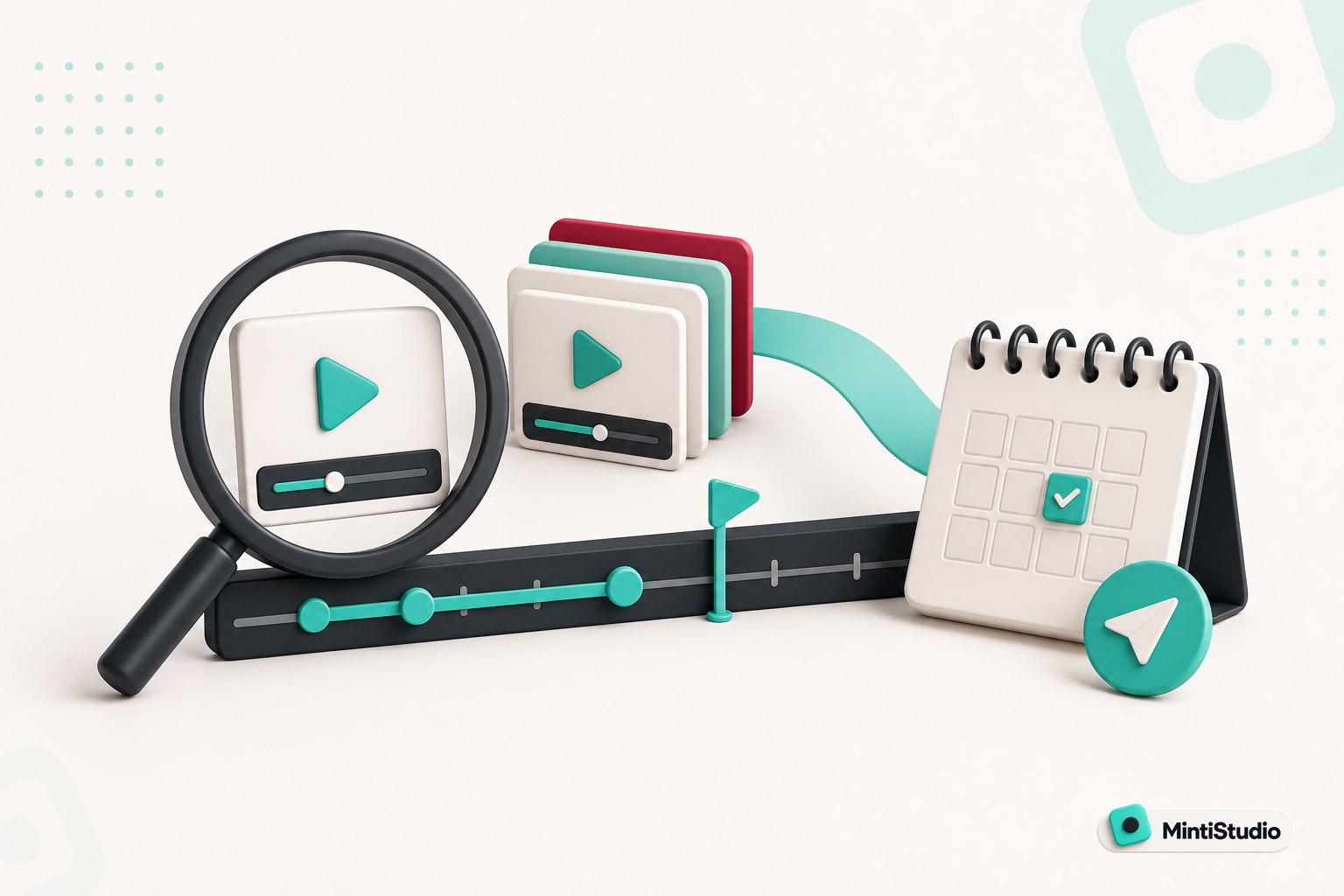
Your best proof may already exist inside your own recordings.
Consultants do not usually struggle with expertise. They struggle with packaging that expertise in a way that people can see quickly.
You may have hours of workshops, client-facing explainers, webinars, or internal training that show how you think. The problem is that most of that material is long, hard to revisit, and often too confidential to post as-is.
That is why short-form video can be such a useful channel for consultants. A Short can show your thinking in a small, public format without asking you to reveal a client’s name, a private result, or a sensitive detail.
The goal is not to turn every call into a clip. The goal is to turn safe, buyer-relevant moments into a repeatable content system.
Why Shorts work for consultants
Consulting buyers are usually looking for evidence before they buy.
A Short can give them one clear idea they can evaluate quickly, without exposing one private story that should stay out of public view.
They want to know whether you understand their problem, how you frame tradeoffs, and whether your advice feels grounded in real work. A Short can communicate that quickly when it focuses on one useful idea.
That makes Shorts especially useful for consultants who already have a lot of spoken material. One long talk can contain multiple short moments that each answer a different buyer question.
A good Short for a consultant usually does one of these things:
- explains a concept in plain language
- clarifies a common mistake
- compares two options a buyer is weighing
- gives a simple framework the viewer can remember
- shows how you think without exposing private work
This is not about becoming entertainment. It is about making expertise visible.
The confidentiality problem is really a selection problem
Most consultants do not avoid Shorts because they dislike video. They avoid them because their best examples are private.
That is fair. A client case study may be too sensitive to post. A workshop may include proprietary material. A strategy call may contain details that should stay off the internet.
The fix is to change what you clip.
Instead of trying to publish the whole story, look for moments that are safe to share and still useful to a buyer:
- a general framework you use on every engagement
- a definition that clears up confusion
- a decision tree you can explain without naming the client
- a before-and-after lesson with the specifics removed
- a practical tip that stands on its own
The best public proof is often not the full case.
The best public proof is often not the full case. It is the thinking behind the case.
What to clip from long consultant recordings
If you already record workshops, webinars, or explainers, you probably have enough source material.
The question is not whether you have content. The question is which parts are safe, complete, and clear enough to stand alone.
Start with moments that sound like this:
- “Here is how to decide between these two options.”
- “The mistake is usually thinking about it this way.”
- “The first thing I would check is…”
- “A simple way to frame this is…”
- “If you only remember one thing, remember this…”
Those are strong clip candidates because they are complete ideas, not fragments.
A buyer does not need the whole webinar to learn from one good answer.
A simple selection rule for consultant Shorts
Use this rule when you review your recordings:
If the moment can be understood without private context, it can probably become a Short.
That means the clip should still make sense when someone sees it out of context on YouTube or Instagram Reels.
A good consultant Short usually has three parts:
- A clear problem or question
- A direct answer
- A practical takeaway
If a clip only works when someone already knows the full client story, it is probably not the right public clip.
The workflow: from long recording to published Short
The easiest way to do this is to keep the workflow simple and repeatable.
1. Start with a recording you already trust
Use a webinar, training, explainer, or talk where the core ideas are solid.
2. Identify the buyer-relevant moment
Look for an answer, framework, or comparison that would help a prospect make a decision.
3. Remove confidential specifics
Keep the lesson and remove any names, numbers, or client-identifying details that do not need to be public.
4. Make the clip stand alone
The Short should make sense on its own, even if the viewer has never seen your long video.
5. Publish it on a steady schedule
One strong clip is useful. A steady stream of strong clips is a system.
Where MintiStudio helps
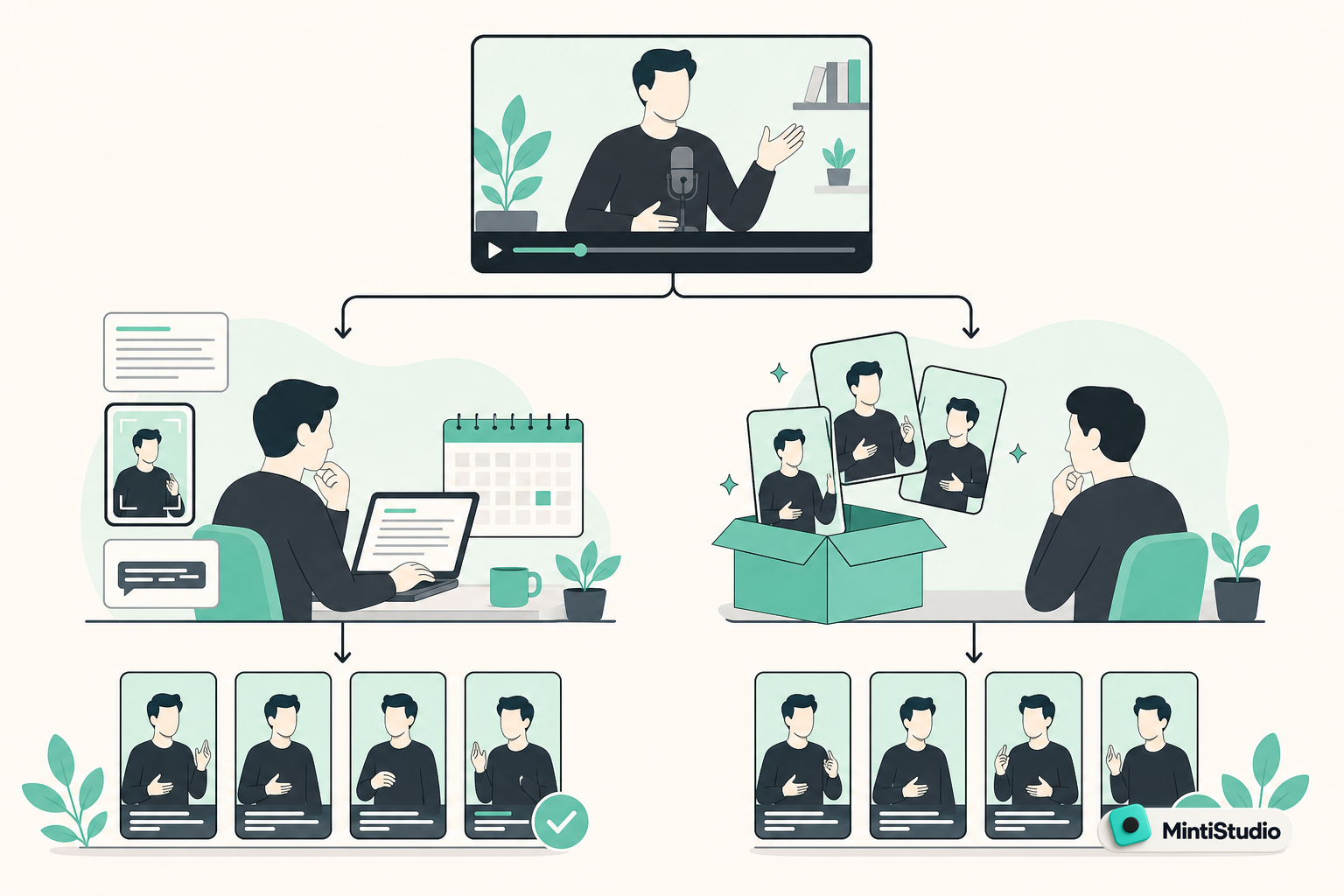
MintiStudio turns long videos into Shorts for YouTube and Instagram Reels. Facebook Page publishing is supported when a Facebook Page is connected.
That is useful when you already have long consultant recordings and want a faster way to turn them into public proof. It also helps when you want to keep confidential details under review before anything is published, because you can check the clip, title, captions, and destination settings before it goes live.
Find usable moments faster
You can add a video by pasting a YouTube link or uploading a file. That means you can work from a webinar you already published or a recording you already have saved.
MintiStudio supports AI clip suggestions and transcript-based clip selection, which helps when you are looking for one clear answer inside a longer talk.
Keep the clip easy to review
When you have a moment you want to check carefully, MintiStudio’s transcript view helps you select the exact section you want and keep the clip anchored to the words that matter.
That is helpful for consultants because the wording of a claim matters. A transcript makes it easier to confirm that the clip says exactly what you want it to say before it goes public.
Prepare Shorts for publishing
MintiStudio supports caption style templates, reframing horizontal video to vertical, scheduling and publishing, a publishing calendar, comment tracking, and analytics.
For consultants, that matters in two ways. First, you can reframe a webinar, workshop, or explainer into a clean vertical Short without rebuilding the whole edit. Second, you can schedule the Short after you have checked that the public version keeps the right level of confidentiality and the right wording.
What makes a consultant Short worth posting
Not every useful idea is a good Short.
A clip should do more than sound smart. It should help a potential buyer understand how you think.
Here is a practical test you can use before you post:
- Would a prospect understand this without extra explanation?
- Does it teach one idea cleanly?
- Is it relevant to a problem buyers already have?
- Is it safe to share publicly?
- Does it sound like your actual point of view?
If the answer is yes to most of these, you probably have a good candidate.
The strongest consultant Shorts often come from moments where you explain a choice, not a claim.
For example:
- why you recommend one approach over another
- when a common tactic is the wrong fit
- what buyers should ask before they decide
- how you think about implementation risk
- which part of a problem deserves attention first
That kind of content is useful because it shows judgment.
Keep the long-form video as the source of trust
Shorts work best when they point back to something larger.
A consultant who only posts tiny opinions can look fragmented. A consultant who publishes clear Shorts from strong long-form material can look organized and credible.
That is why the long recording still matters.
Your webinar, talk, or explainer gives you the depth. The Short gives you a visible entry point. Together, they create a cleaner buyer path.
If someone watches a Short and wants more, they can look for the full recording, your related videos, or the next idea you publish.
A practical clip review checklist
Before you publish a consultant Short, check these points:
- The clip answers one question
- The clip does not reveal confidential details
- The clip works without the full original context
- The captions make the main point easy to follow
- The opening is clear in the first few seconds
- The clip sounds like something a buyer would actually ask about
This simple review step matters because consultant content is often judged on precision.
A vague clip can make your thinking look unclear. A careful clip can make your expertise feel easy to trust.
How to build a weekly Shorts habit without adding a second job
The hardest part is rarely the first Short. It is keeping the process going.
Many consultants can record a strong video. Fewer want to spend hours every week trimming, reframing, captioning, and scheduling clips.
A sustainable workflow keeps the work small:
1. Batch source content
Use one long recording as the source for multiple Shorts.
2. Review for buyer relevance
Choose moments that answer questions prospects already have.
3. Remove sensitive specifics early
Do this before the clip is finalized, not after.
4. Schedule ahead
Use a publishing rhythm that matches the amount of source material you have.
5. Check what lands
Use analytics to see which topics and formats get attention.
That process keeps you focused on public proof instead of production overhead.
Related guides
- Done-for-You vs DIY Video Clipping: Which Fits Your Week?
- AI Can Suggest Your Clips. You Should Still Decide Which Ones Go Out.
- How Coaches Can Turn Long Videos into Shorts That Bring in Clients
Where Autopilot fits for busy consultants
If you already have recordings and the main bottleneck is turning them into published Shorts, Autopilot is designed for that kind of workflow.
In Autopilot, you share your YouTube channel link and MintiStudio handles the clipping work, the vertical prep, the captions, the titles, and the scheduling or publishing.
The Shorts go to your own connected YouTube account, and you can review every prepared Short before anything is published. That matters when you want control over claims and confidentiality.
Each prepared Short also stays visible in your My Videos page under "prepared by Minti," where you can watch, edit, or delete it at any time.
For consultants who have recordings but not the time to run a clipping workflow, that is a practical way to keep content moving.
Make one recording do more work
You do not need a new idea for every post.
You need a repeatable way to extract the right moments from the material you already have.
If your recordings already contain useful explanations, public frameworks, or buyer-relevant judgments, they are probably enough to start.
The next step is to turn those moments into Shorts that are clear, safe, and easy to publish.
Start free with MintiStudio and turn your next consultant recording into a Shorts workflow you can keep using.
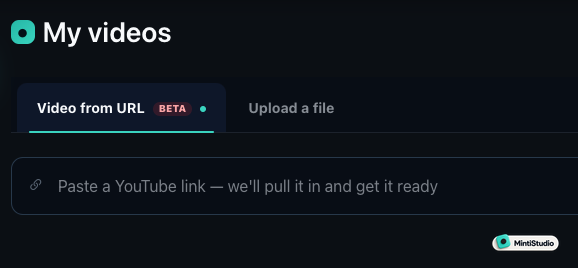 Screenshot from MintiStudio
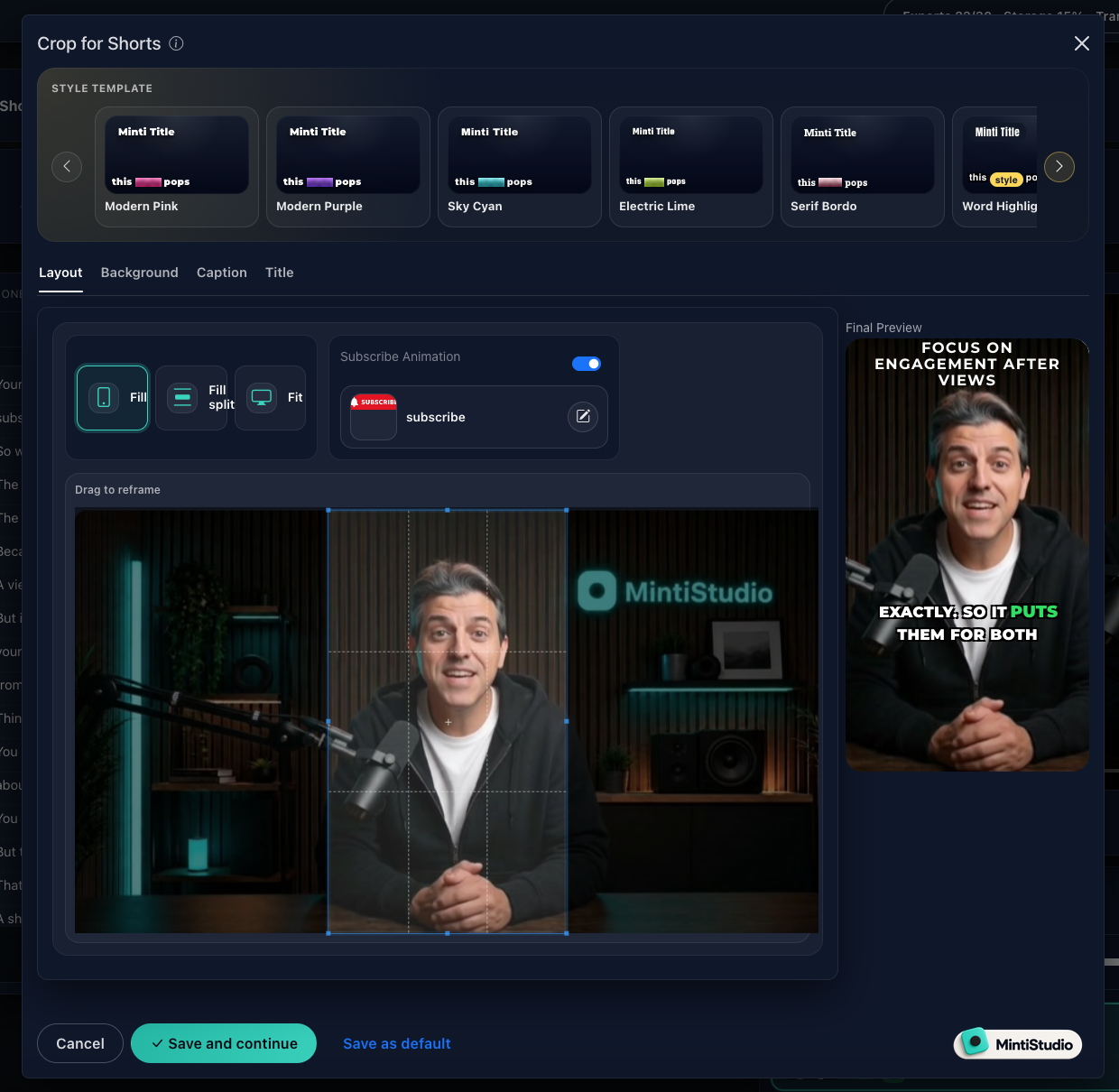 Screenshot from MintiStudio
More from the blog
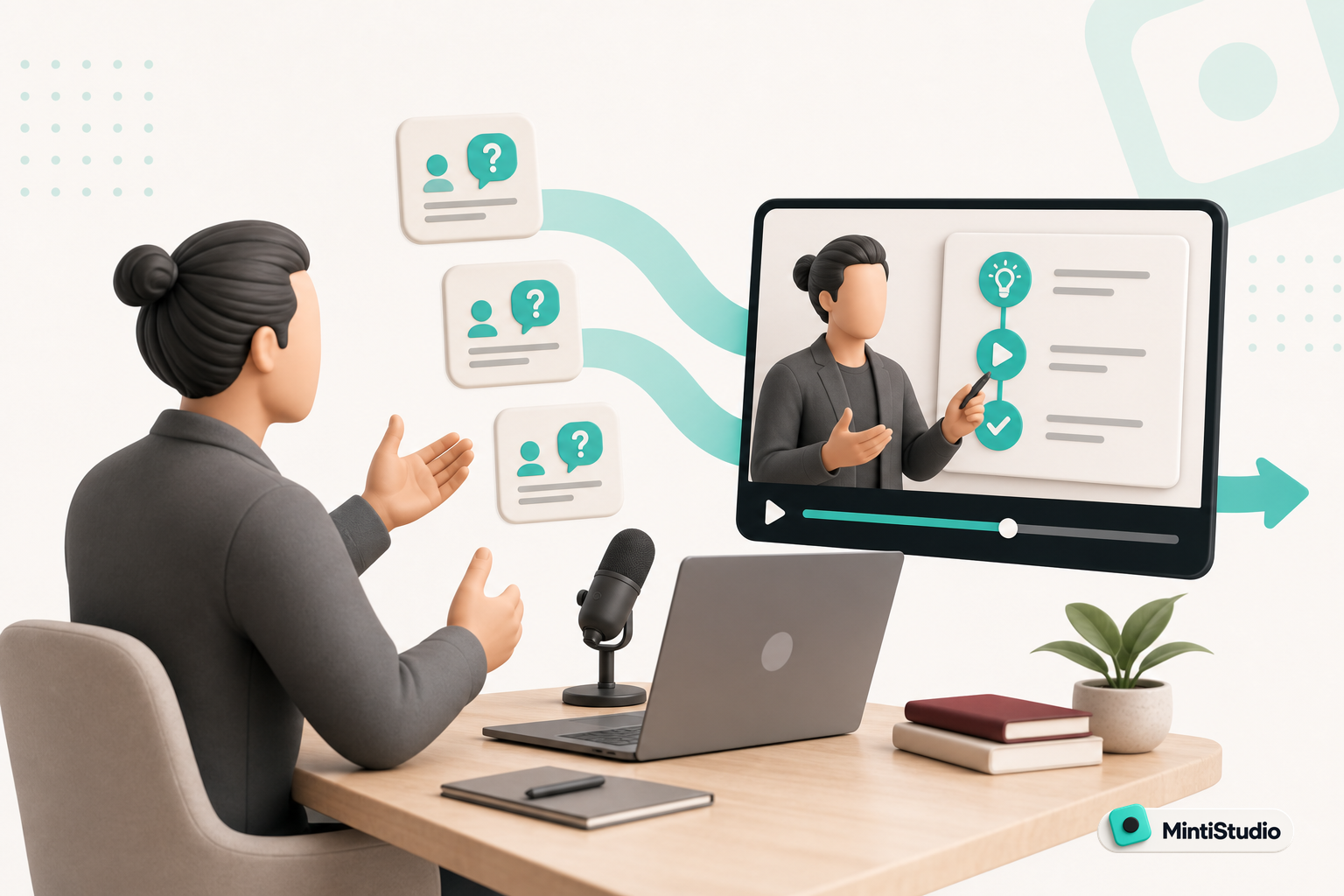
Turn Prospect Objections into Your Next Teaching Video
Use the questions prospects ask on sales calls to plan teaching videos that answer real objections, show your thinking, and create standalone moments that can become Shorts. This guide gives coaches and consultants a simple way to turn one conversation topic into a useful long video and a set of clip-ready lessons.
Done-for-You vs DIY Video Clipping: Which Fits Your Week?
Compare self-serve and done-for-you video clipping by the work you keep, the control you need, and the time you can realistically give it. Includes MintiStudio’s DIY options and $20/month Autopilot service, plus a practical review checklist.